
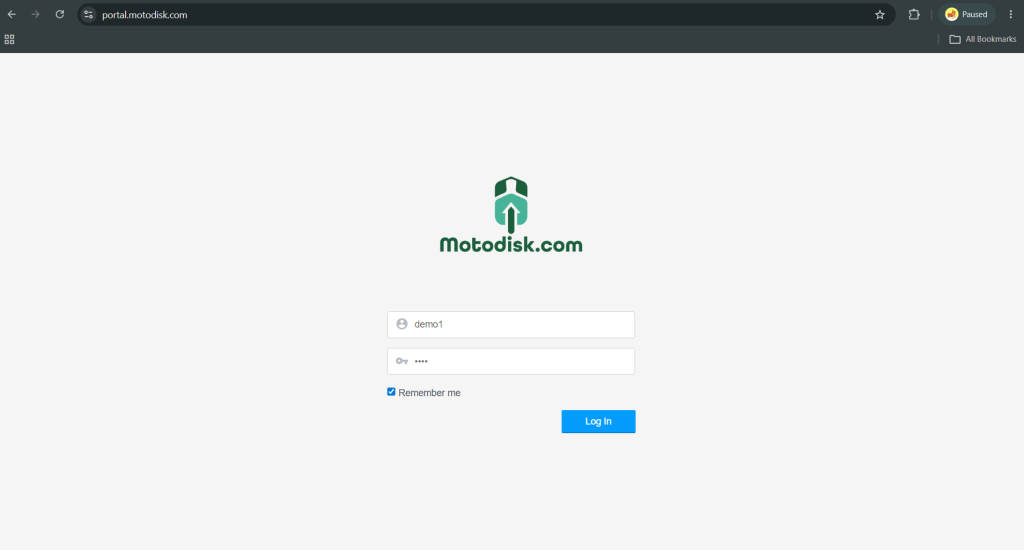
Step 1: Log In
Go to https://portal.motodisk.com and log in to your account.
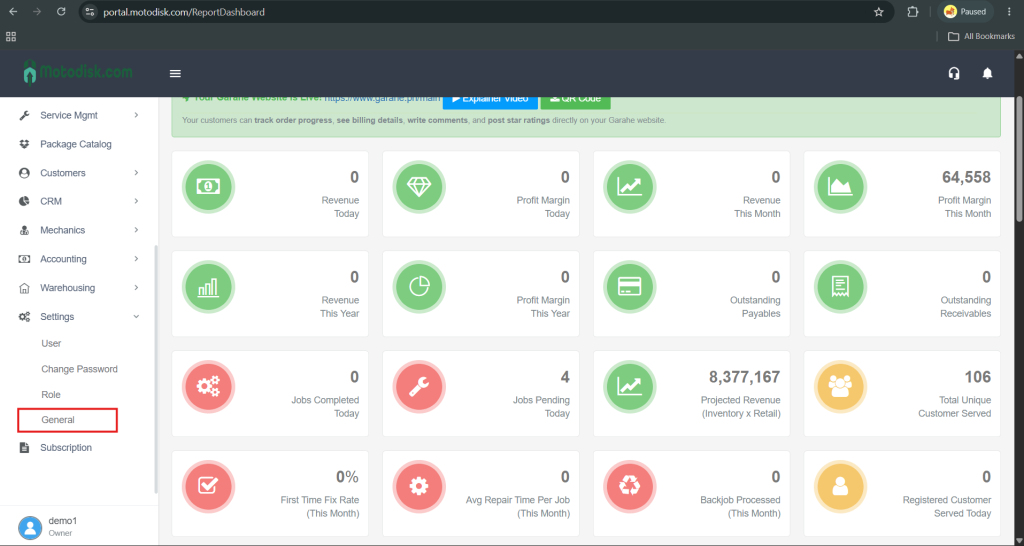
Step 2: Open General Settings
On the sidebar menu, click General.
Step 3: Update Company Details
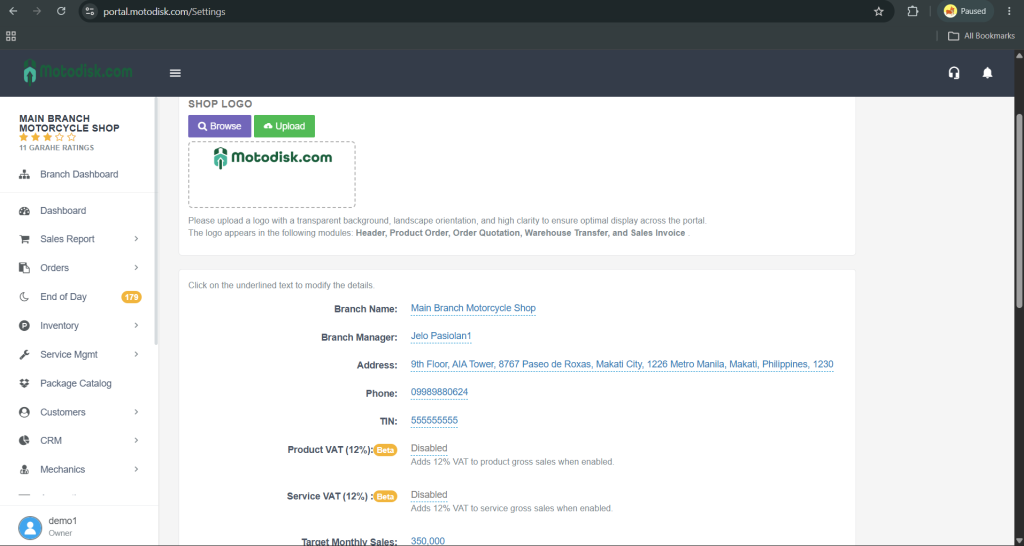
Review the following information:
- Branch Name
- Branch Manager
- Address
- Phone Number
- TIN
To update, just click on the field you want to change and type the correct information.
Step 4: Configure System Preferences
Set up the following options as needed:
- Receipt Printing
- Toggle Enable if you use a POS printer.
- Select Disable if you don’t print receipts.
- Receipt Printing Font Size
- Choose a font size that fits your printed receipt layout.
- Mechanic Commission Rate
- Enter a percentage if your mechanics earn commission.
- Leave at 0% if not applicable.
- Loyalty Points Conversion
- Set the conversion rate (e.g. 1 point = ₱1 or based on your system).
- Sales Receipt Footer
- Edit the footer message that appears at the bottom of printed receipts.
- Labor and Item Warranty
- Set warranty period (e.g., 7 days, 30 days) if applicable.
- Two-Factor Authentication
- Choose Enable if you want to receive an OTP when logging in.
- Choose Disable to skip OTP during login.