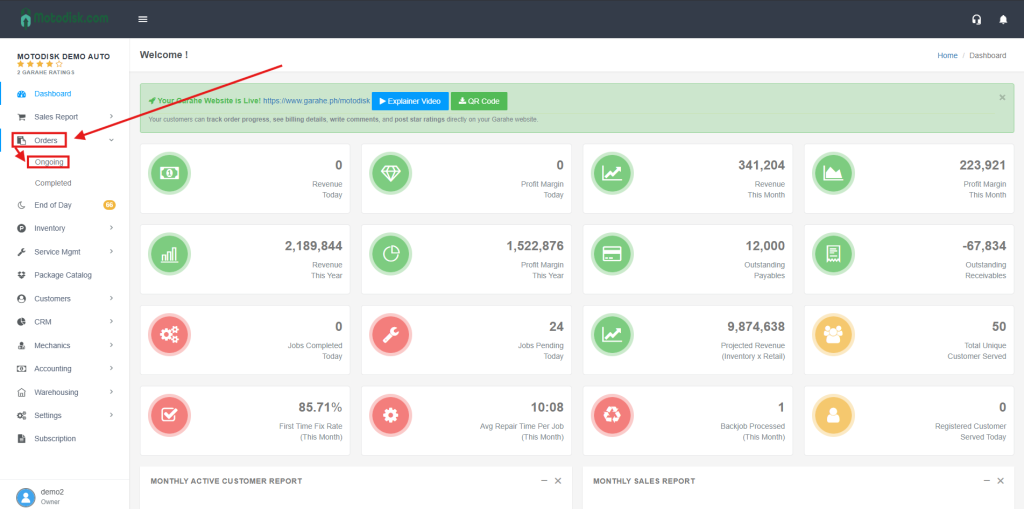
- Go to https://portal.motodisk.com and log in.
- In the side bar, select Job Orders> Ongoing
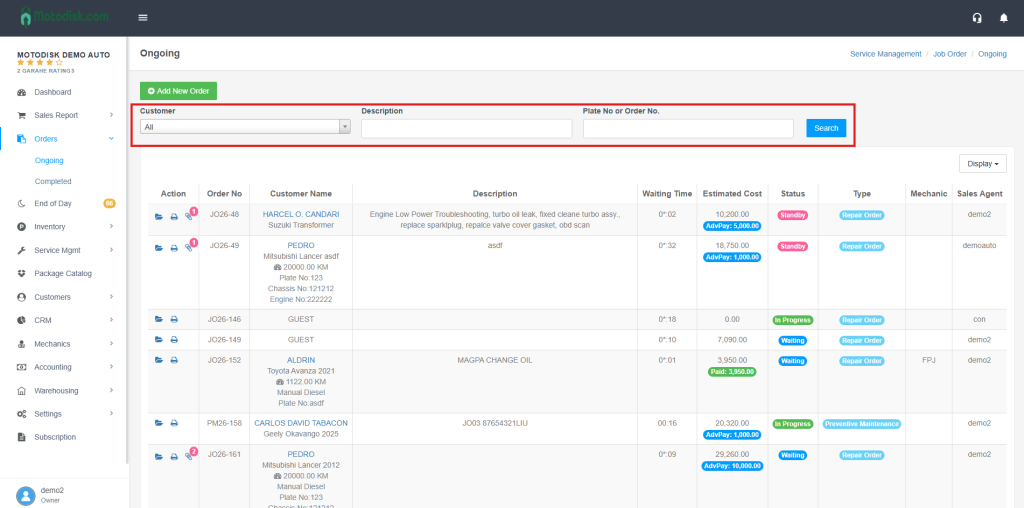
3. After clicking Ongoing you can navigate:
(i) Customer – Seach the name of the Customer
(ii)Job description – Search the Job description
(iii)Plate No or Order No.- Search the Plate number or Order Number.
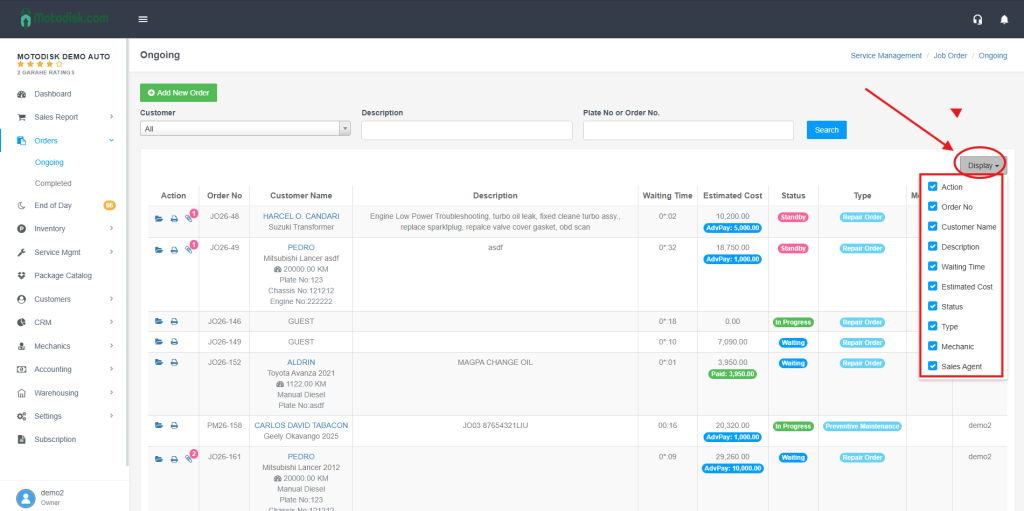
4. Click the Display icon and tick the checkboxes to choose how you want the Ongoing Jobs to be shown.