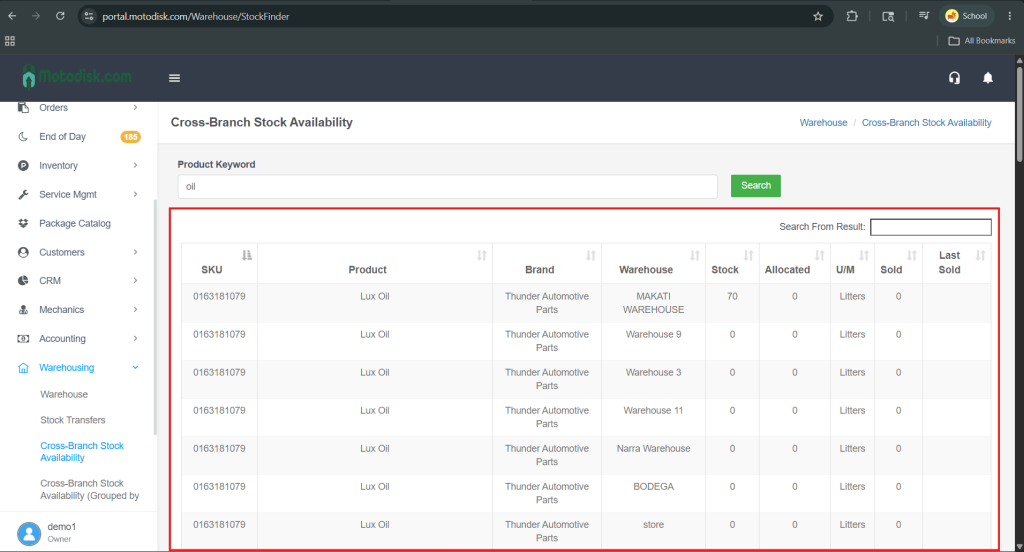
- Go to https://portal.motodisk.com and log in
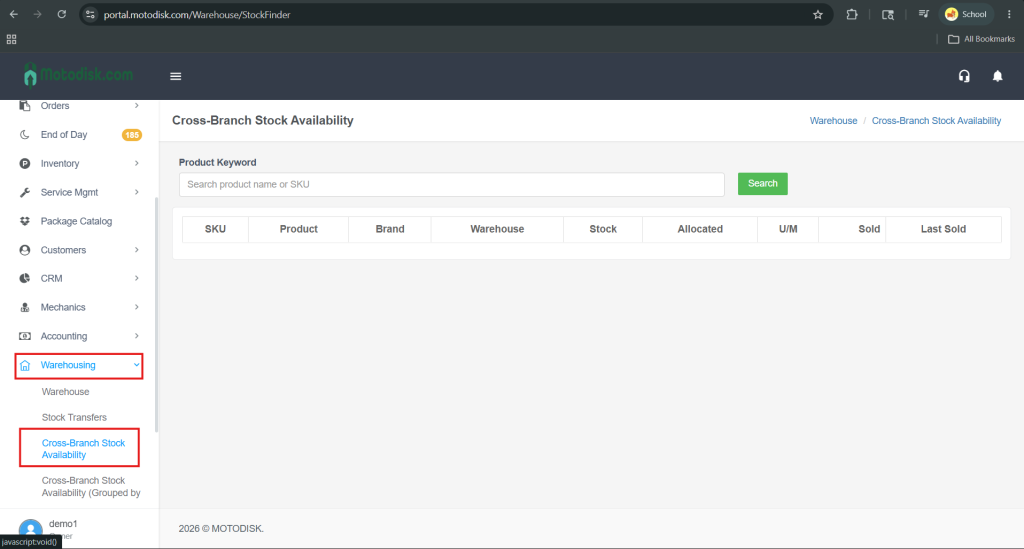
- In the side bar, select Warehousing > Cross Branch Stock Availability
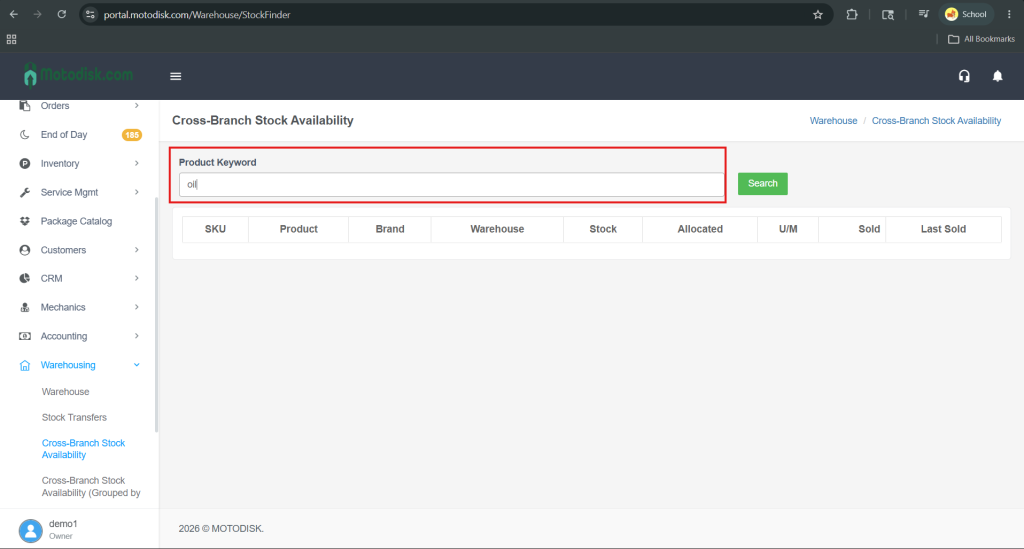
3. Search a product name or SKU in the search bar
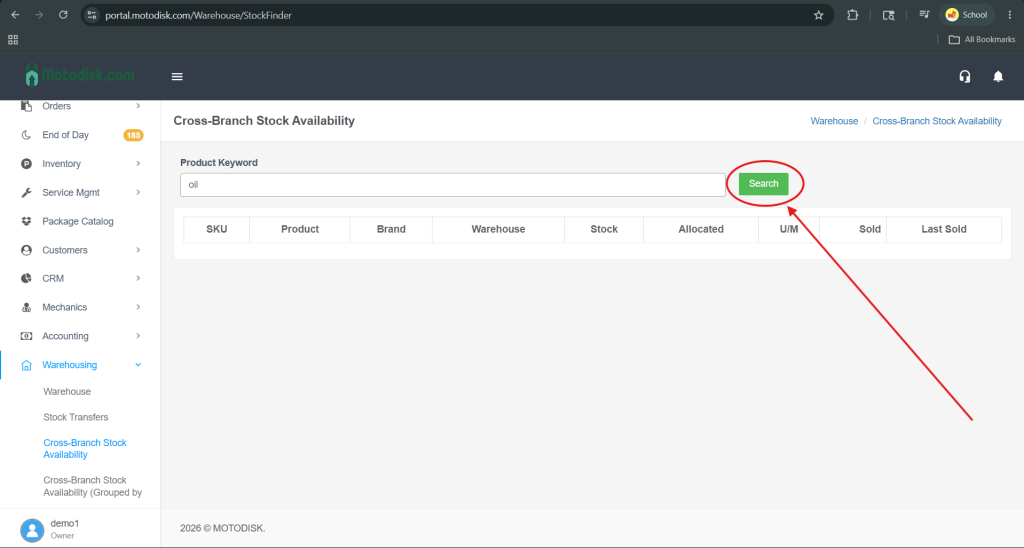
4. After entering the product name in the search bar, click the Search button to view the results.
5. After clicking the Search button, all products will be displayed along with their stock quantities in each warehouse.