- Go to https://portal.motodisk.com and log in
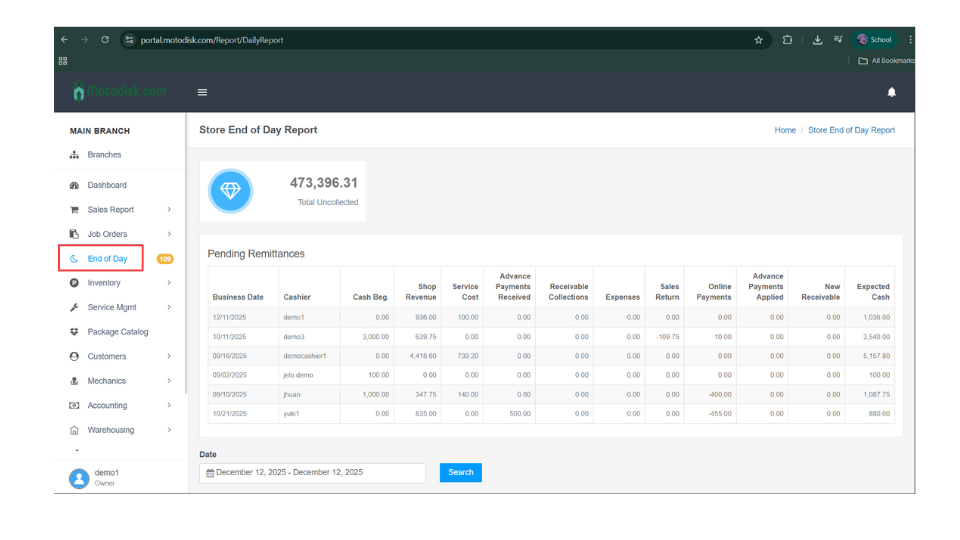
- In the side bar, select End of Day
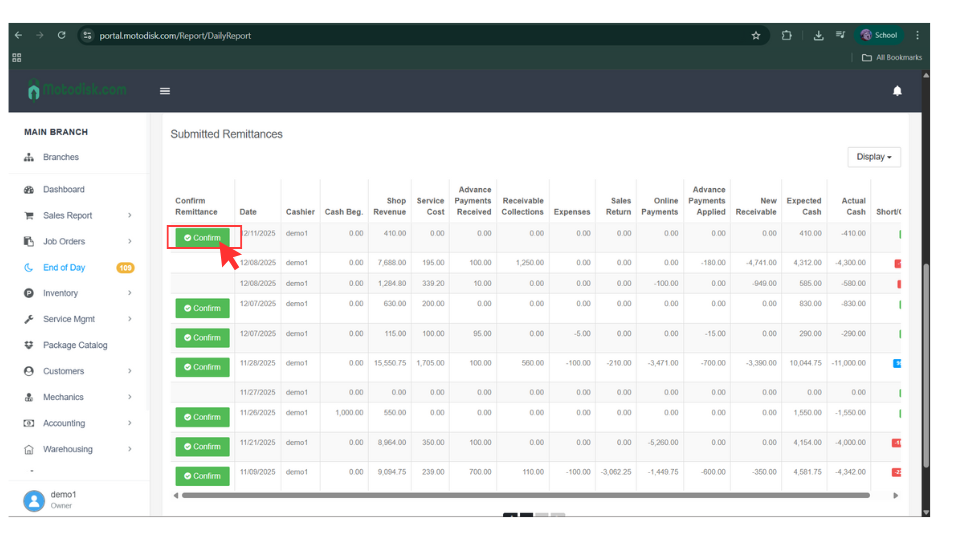
3. Scroll down and click the Confirm Now button.
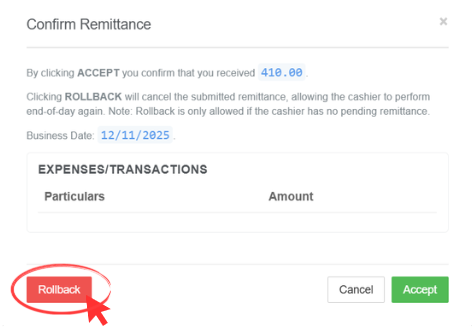
After you click it, this section will be displayed.
4. Click Rollback
- The main purpose of Rollback is to correct a past transaction, allowing the cashier to also perform the end-of-day process again.
Note: You cannot rollback if the user has pending remittances.