- Go to https://portal.motodisk.com and log in
- In the side bar, select Subscription
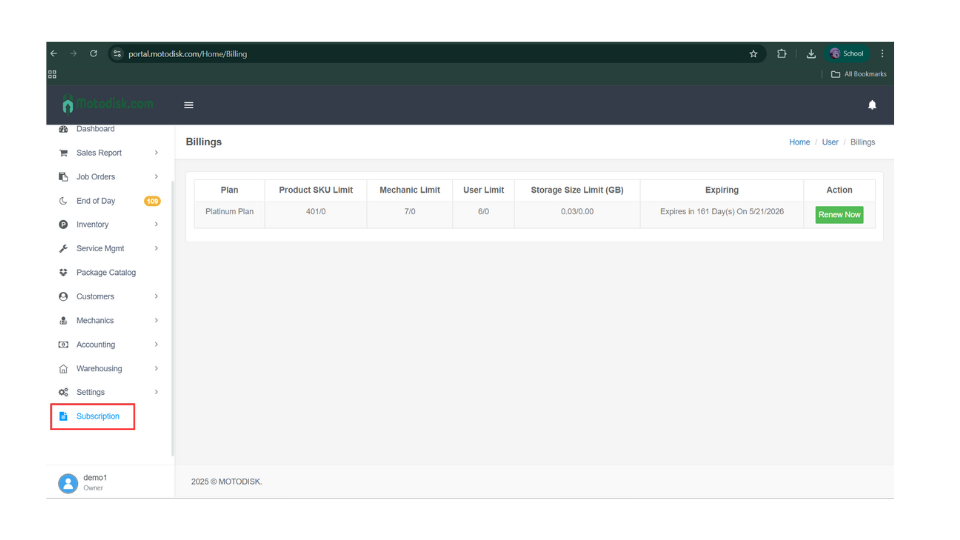

- Shows the type of plan you are subscribed to
- Product SKU limit
- Mechanic limit
- Storage limit
- Expiration date
3. Click Renew Now.

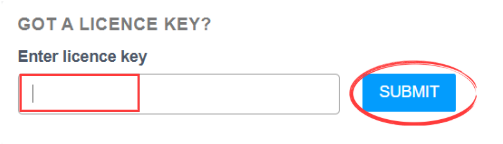
4. Enter the license key provided by our tech support. First, chat with us on WhatsApp to request a renewal. After making the payment, enter the license key and click Submit.