Step 1: Go to https://portal.motodisk.com
Step 2: Enter your credentials to log in.
Step 3: From the sidebar, go to Accounting> VAT
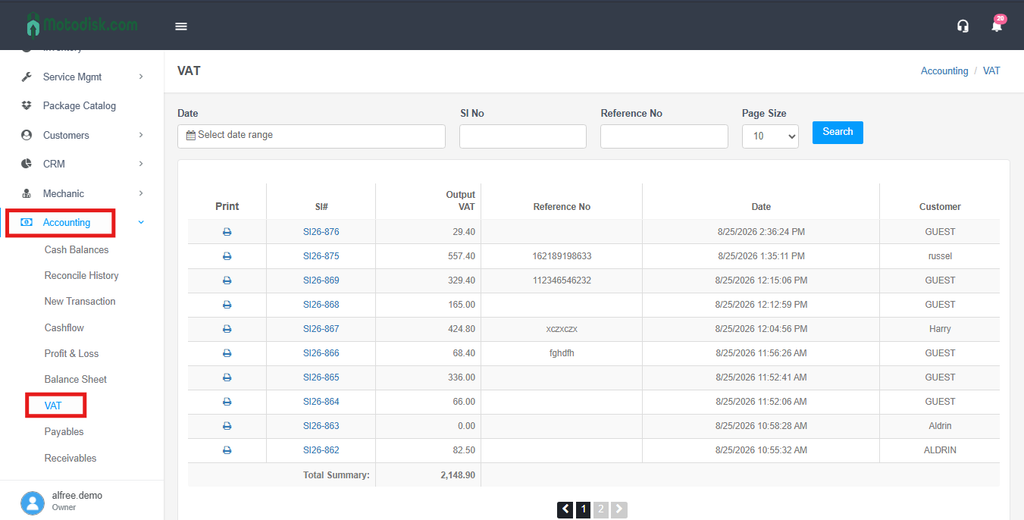
VAT History — a log of all POS transactions where 12% VAT was applied, used to review, verify, and report VAT collected for BIR compliance and tax filing.
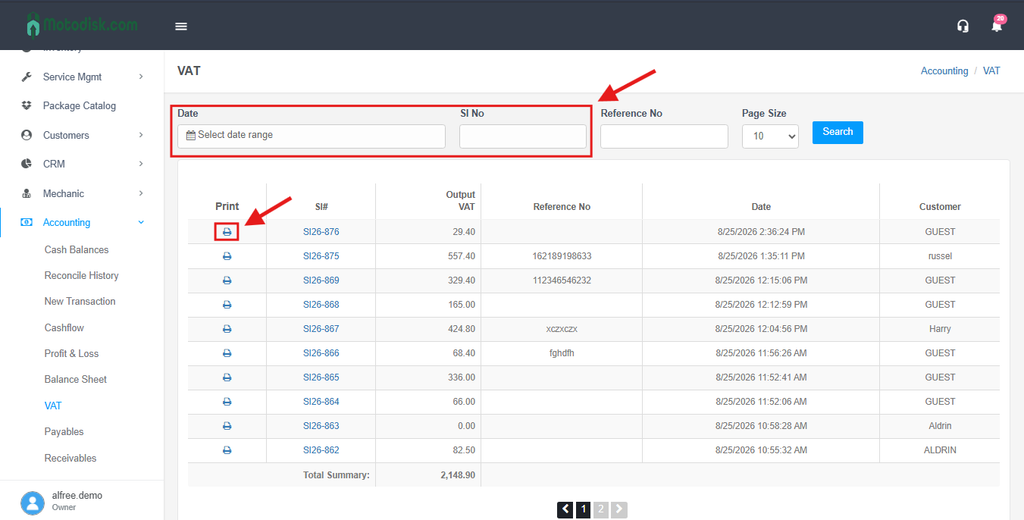
Step 4: Select a Date Range/SI No. to filter transactions and Review the list of transactions where VAT was applied by clicking the Print Icon.