
Step 1: Click this Printer Drive to be directed to the image
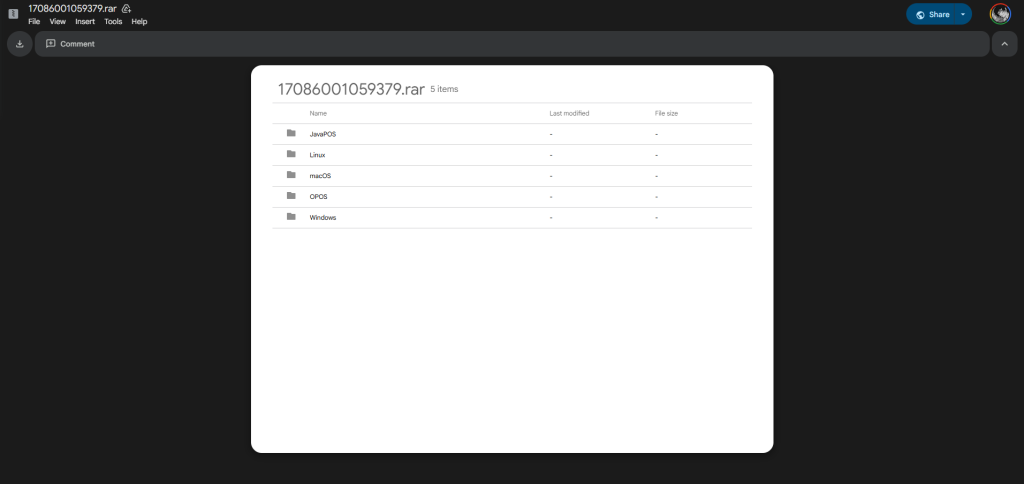
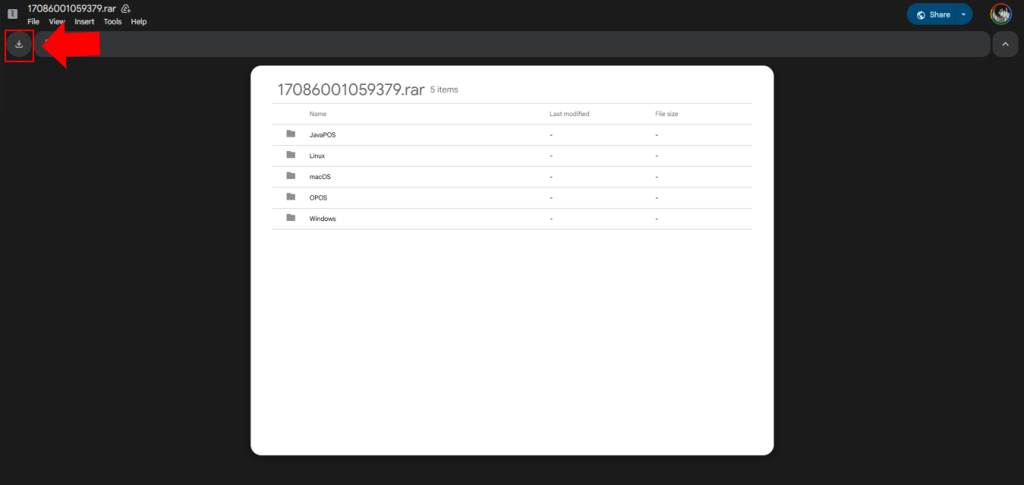
Step 2: Click the Icon to download the printer driver
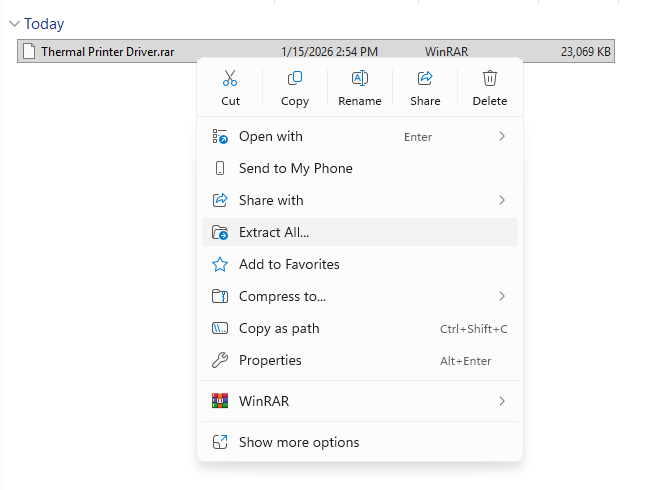
Step 3: Find the downloaded file and extract it
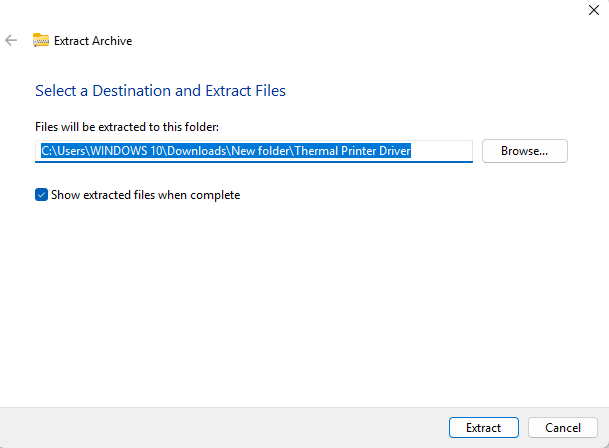
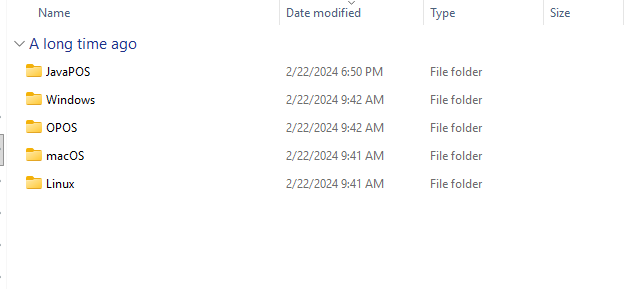
Step 4: Once extraction is complete, select the required operating system compatibility.
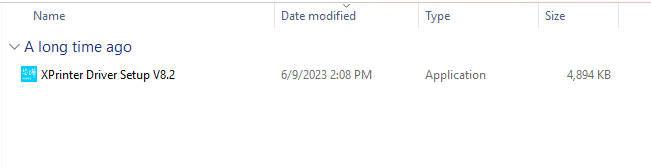
Step 5: Install the Application for the printer driver
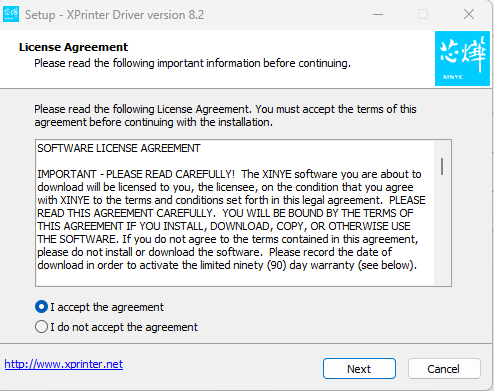
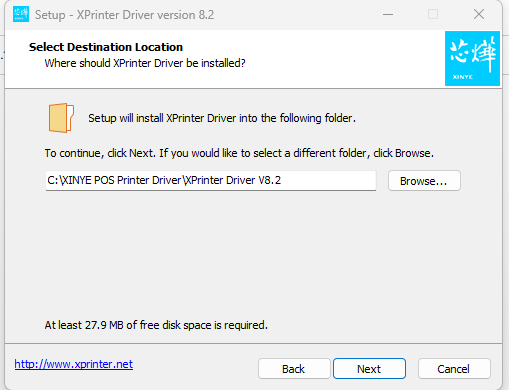
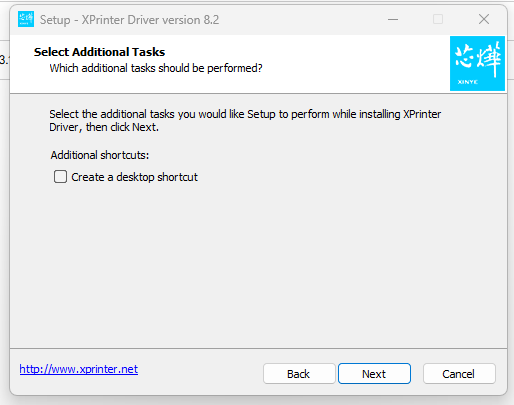
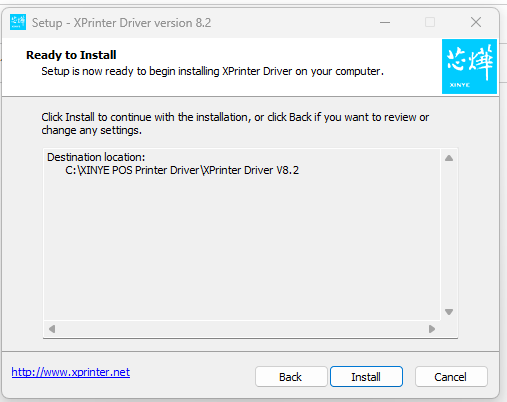
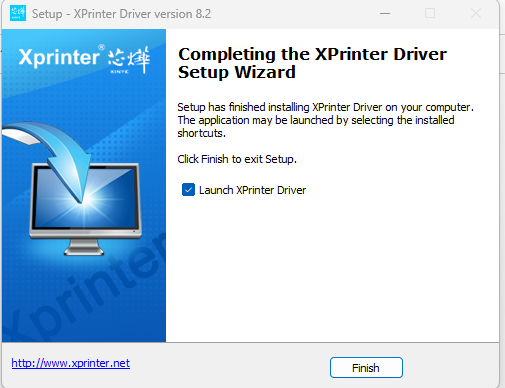
Step 6 : Select Windows OS, Printer Interface, Printer Device Series
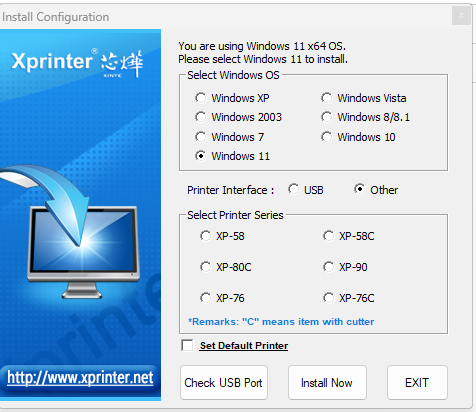
Check the USB Port for the Connection of the Printer Device
Once Done, Click the Install Now and the thermal printer is now ready to use
Video Tutorial