
Step 1: Go to any web browser of your choice, e.g Chrome, Microsoft Edge
Step 2:. Type “Download.motodisk.com/Setup.exe” In your browser and click Enter, the file will be automatically downloaded to your device.

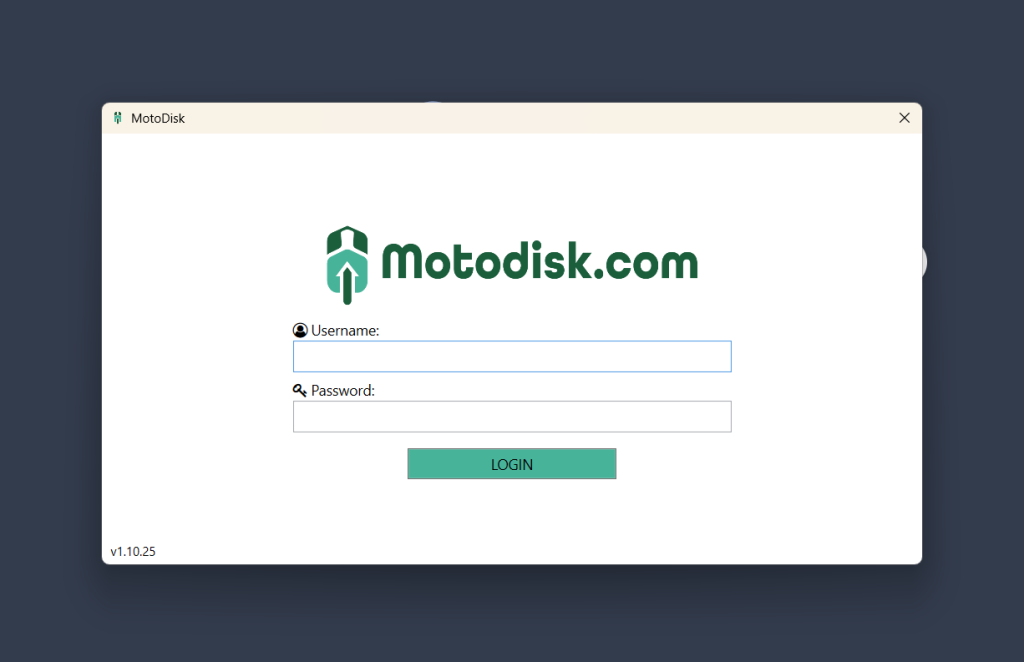
Step 3: Open the “Setup.exe” File, Upon opening the POS login should be in your screen
Here’s a video guide in Downloading POS/ Front Office