
Step 1: Go to https://portal.motodisk.com and log in credentials.
Step 2:In the side bar, select Settings -> General
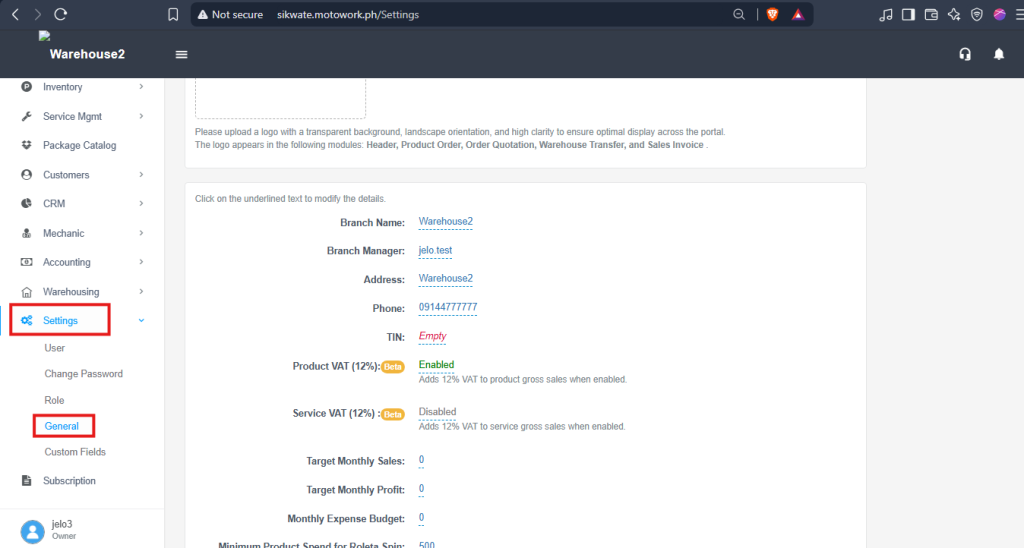
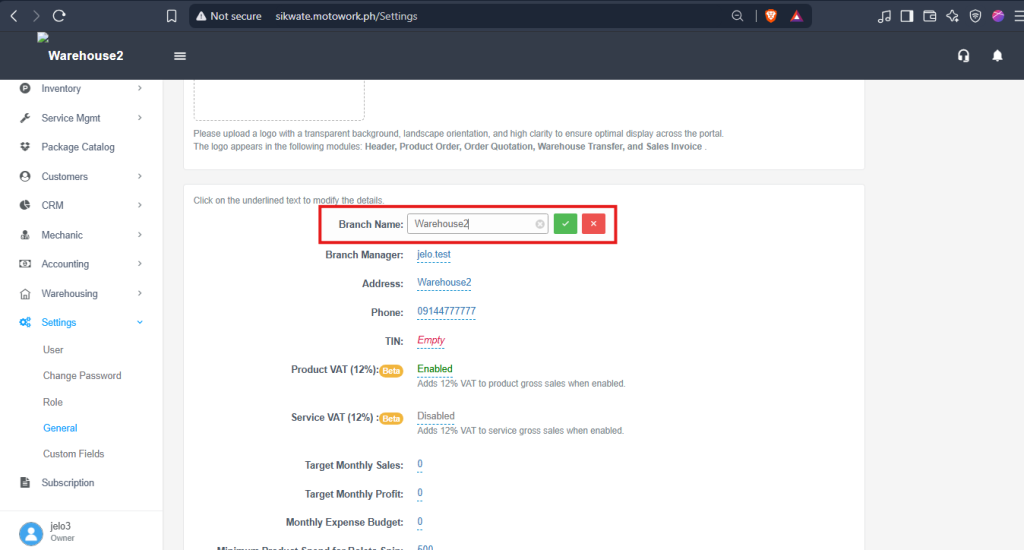
Step 3: Find Branch Name , and edit/set your Shop name.
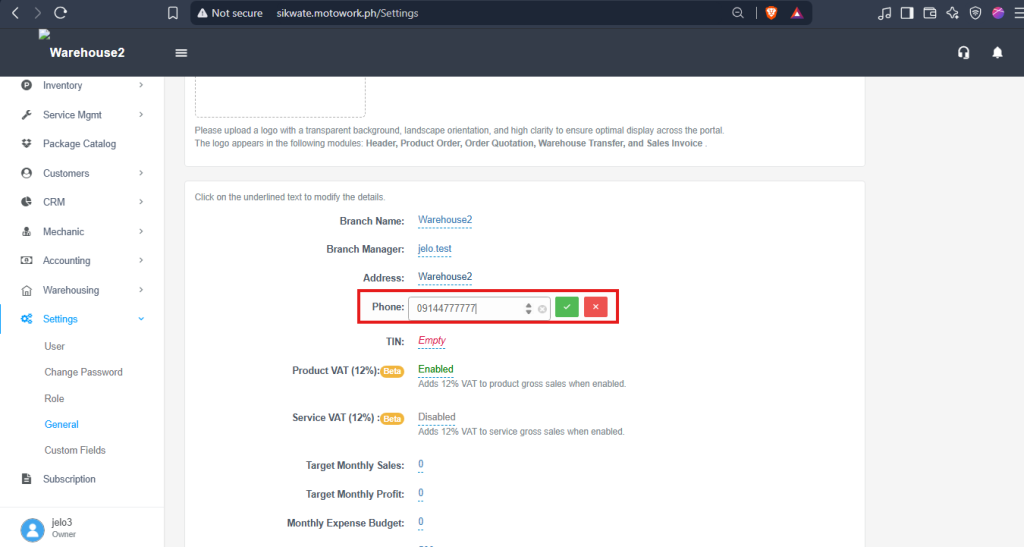
Step 4: Find Phone, and edit/set your shop phone number.
Step 1: Go to https://portal.motodisk.com and log in credentials.
Step 2:In the side bar, select Settings -> General
Step 3: Find Branch Name , and edit/set your Shop name.
Step 4: Find Phone, and edit/set your shop phone number.