
If there are certain P.O.S / Sales Register features you don’t want your cashier to access, you can customize their role to show only what they need to see.
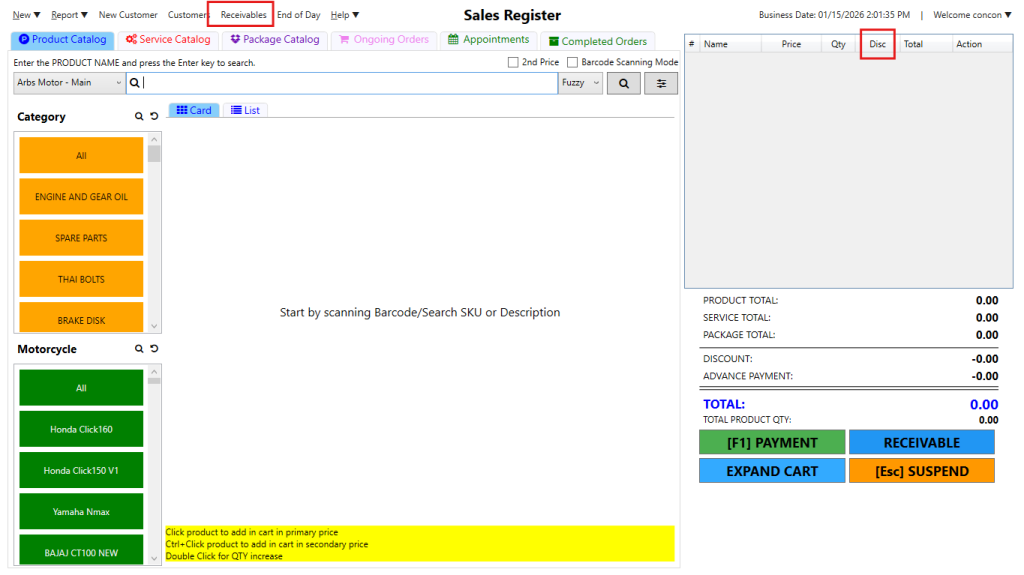
For example, if you want to hide access to Receivables or Discount in the cart, here’s how you can do it.
Step 1: Log in to your Motodisk backoffice account at https://portal.motodisk.com.
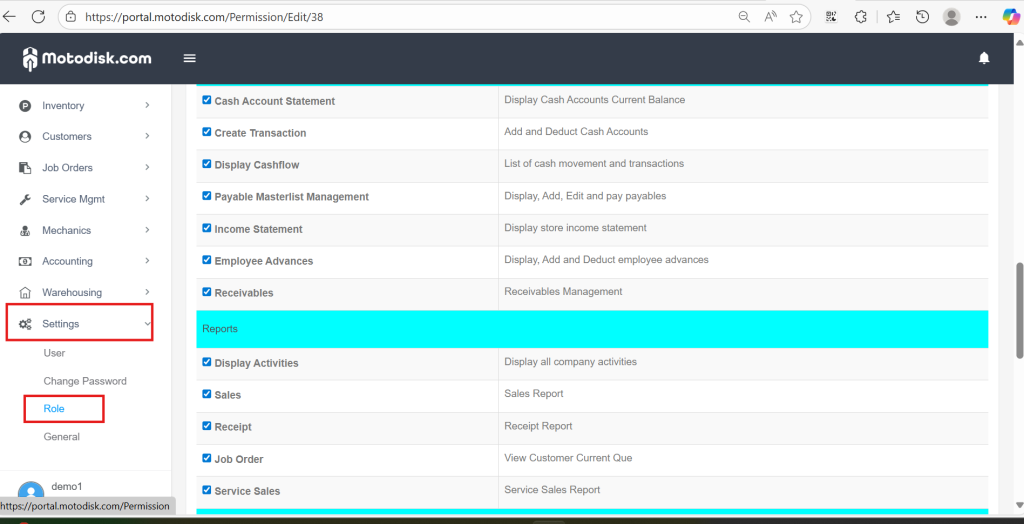
Step 2: In the side bar, select Settings > Roles
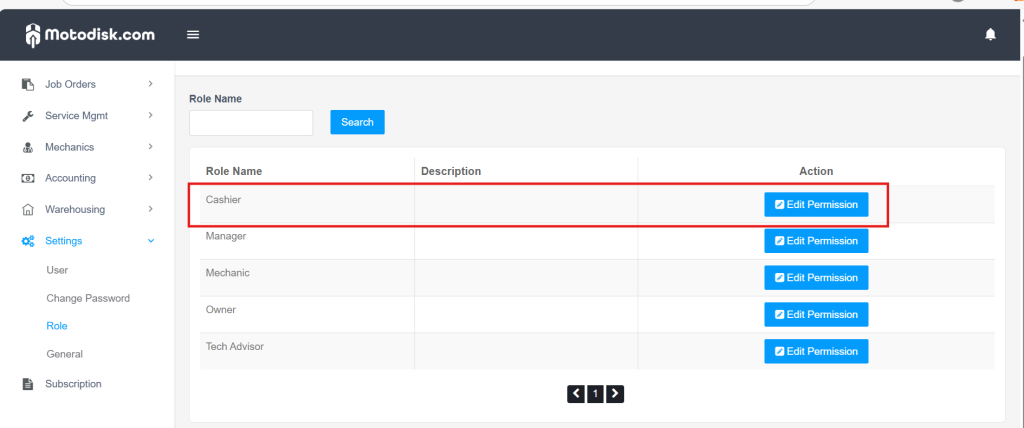
Step 3: Select the Cashier Role and click Edit Permission
Step 4: Uncheck features you want to restrict. Scroll up and don’t forget to click Update.
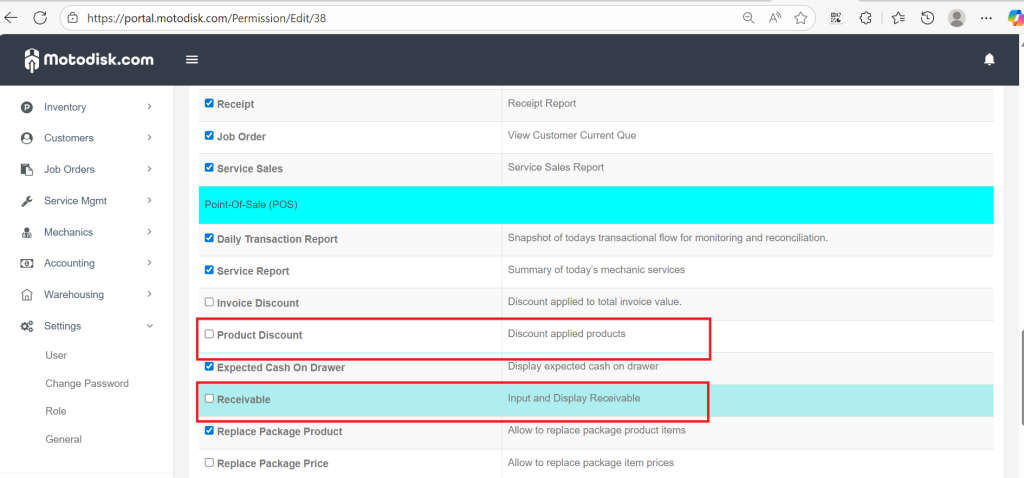
Once you’ve updated the permissions, the Cashier needs to log out and log back in for the changes to take effect.
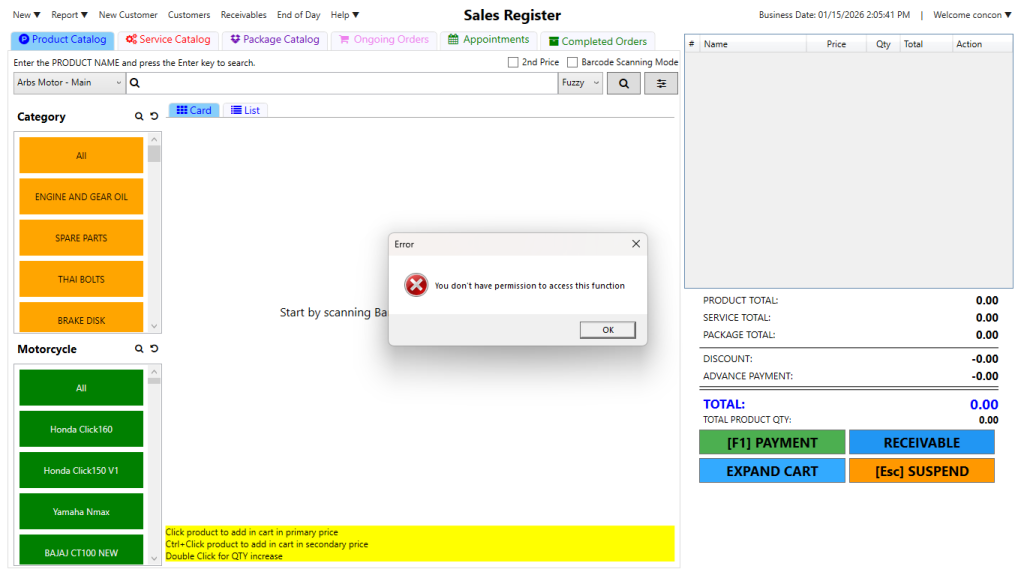
Step 5: In the POS, when your Cashier click the Receivable feature, she won’t be able to access it.
Here’s the video guide.