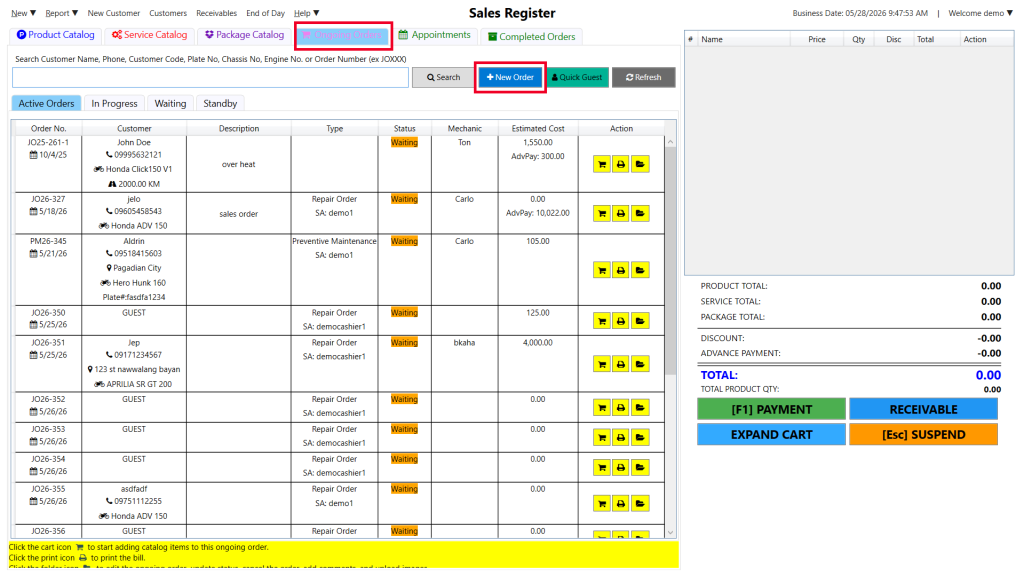
Step 1: Select the Ongoing Order tab and click the blue + New Order button.
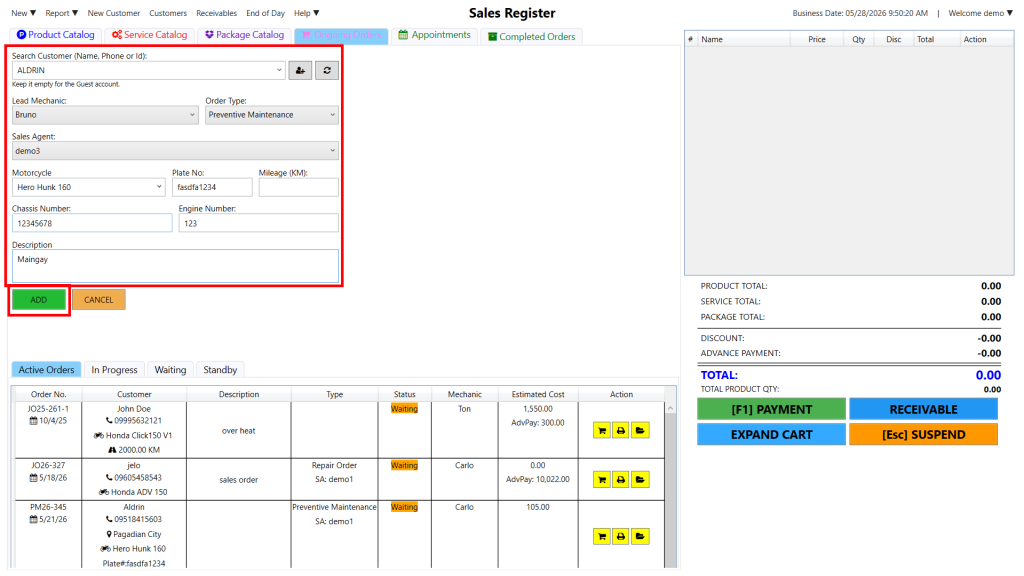
Step 2: Enter the customer/vehicle info and click the green ADD button to save.
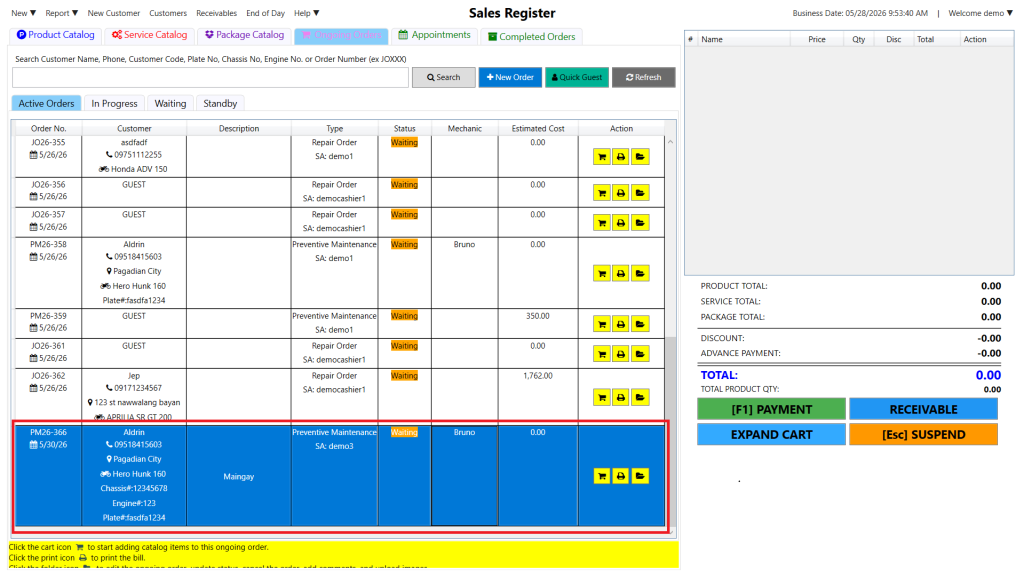
After a job order is created, it is displayed at the bottom of the list following the First-In, First-Out process.