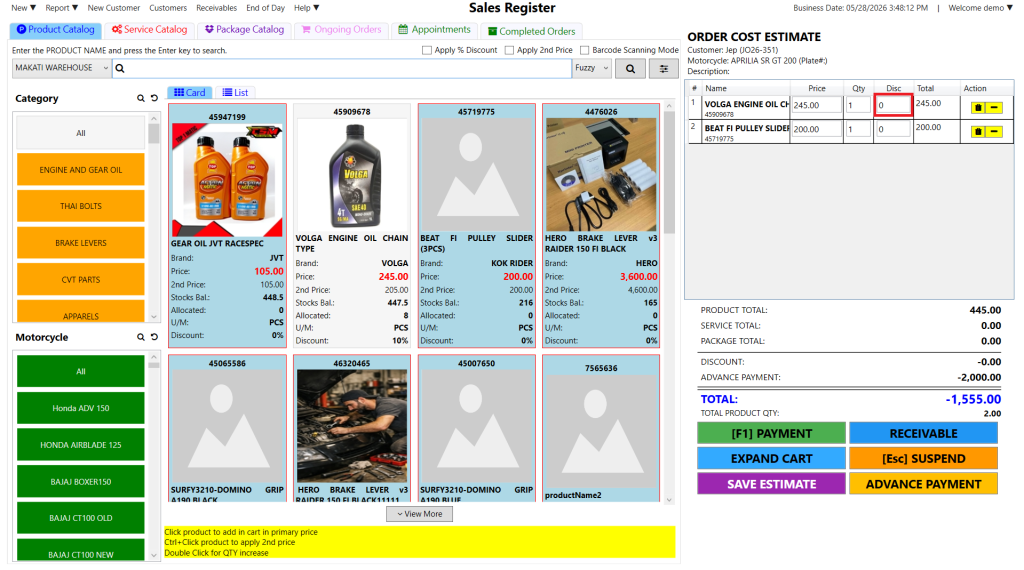
Step 1: In the cart section on the right, click the “0” value under the “Disc” column for the specific product you want to discount.
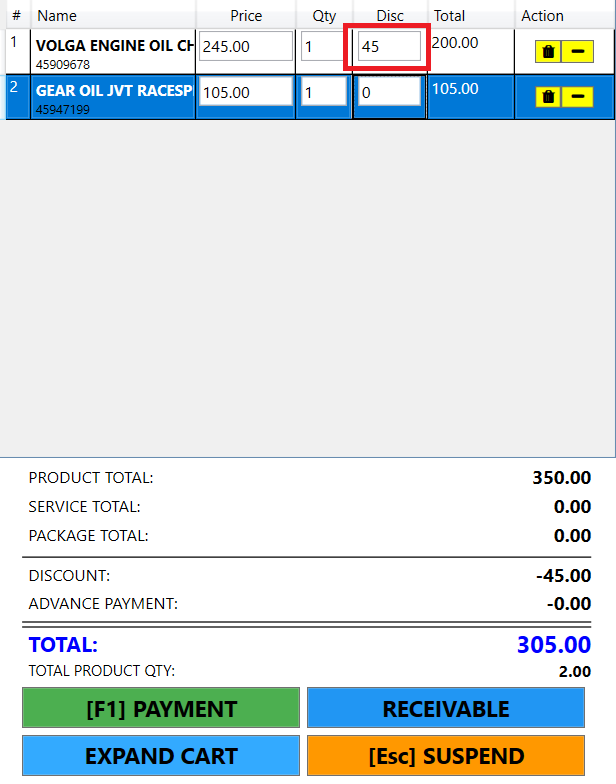
Step 2: Enter the fixed amount you want to deduct from the item, then press Enter to apply the discount.
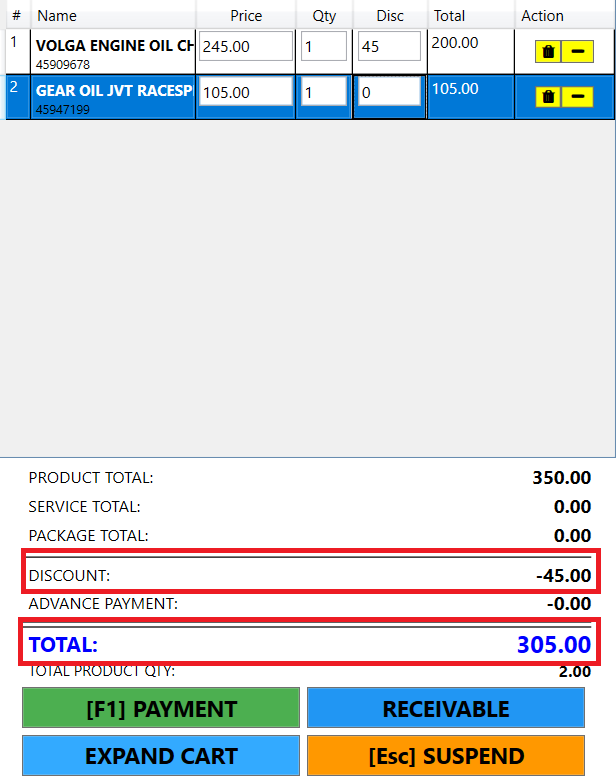
Step 3: Verify the updated Total reflects the deduction and proceed to payment; the receipt will show each specific flat discount applied per item.