- Go to https://portal.motodisk.com and log in
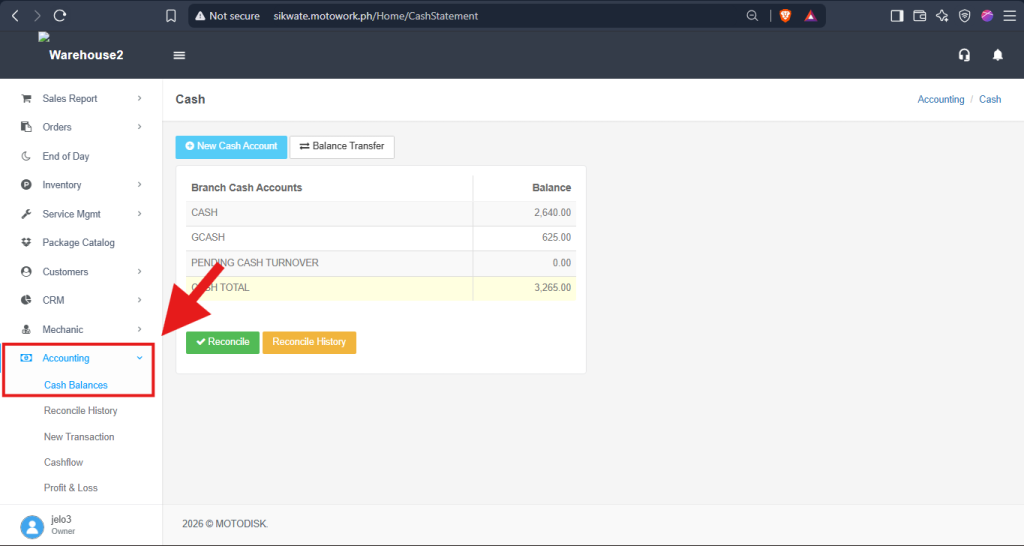
- In the side bar, select Accounting > Cash Balances
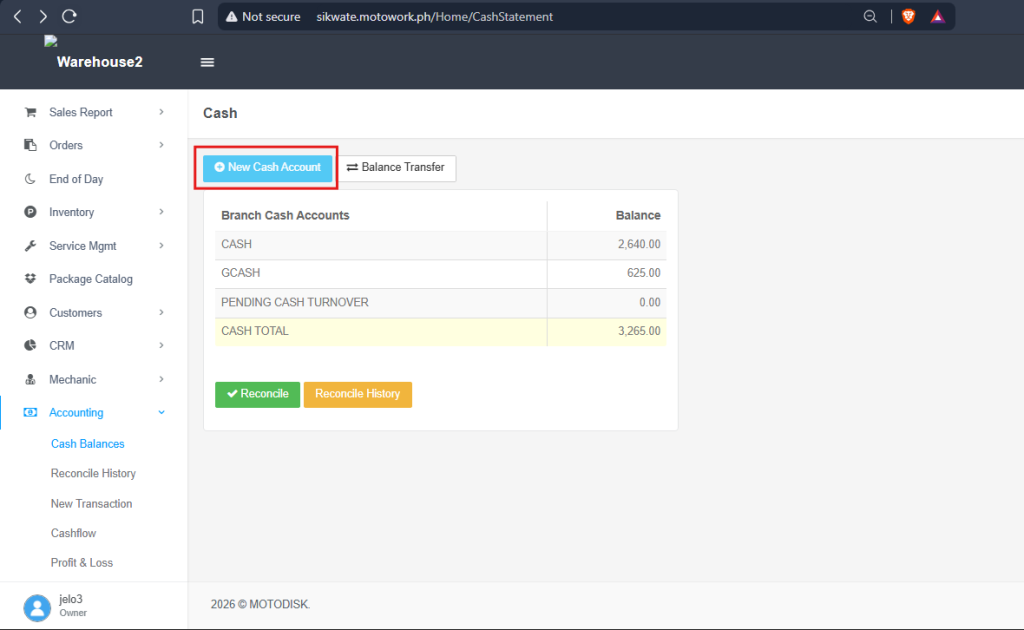
3. Select New Cash Account.
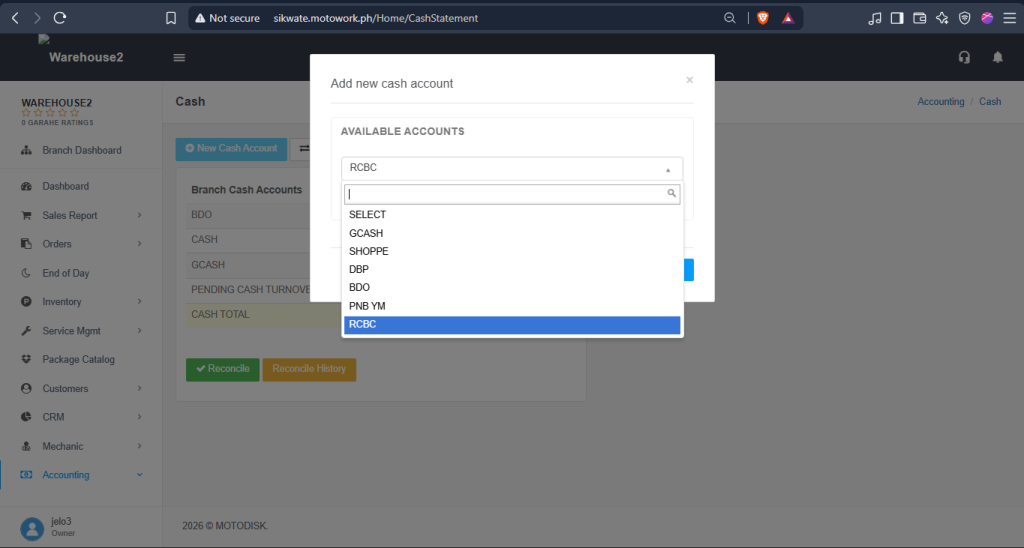
3. Select an account, then click Add to save.
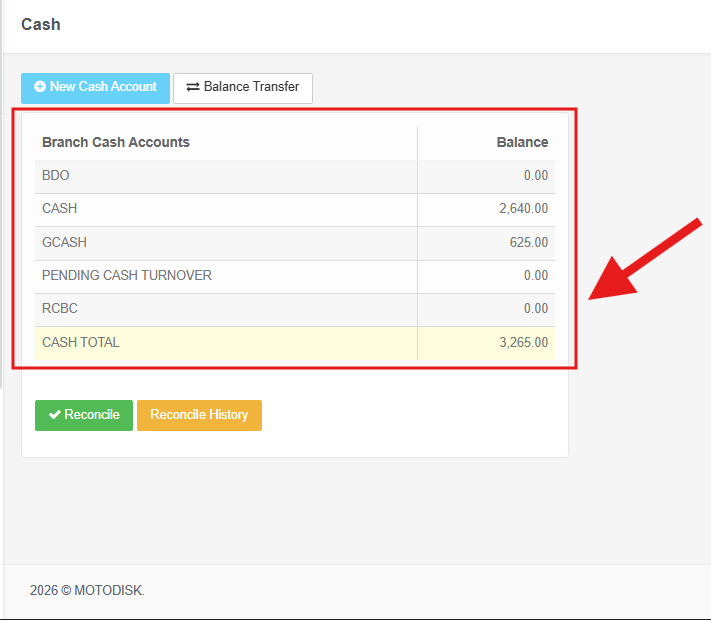
4. Any new cash account you add will be displayed here
Note: You cannot add a cash account that already exists.