- Go to https://portal.motodisk.com and log in
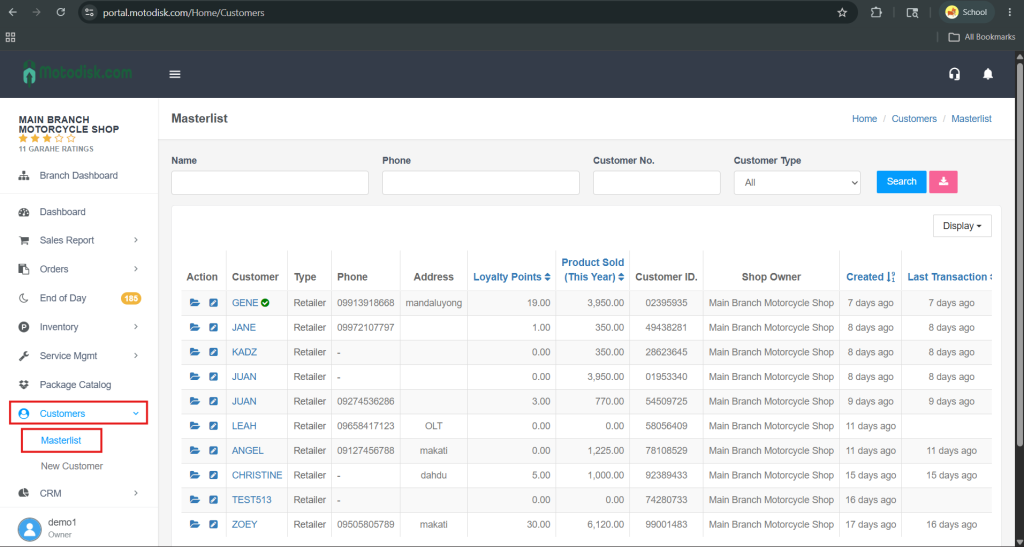
- In the side bar, select Customers > Master list
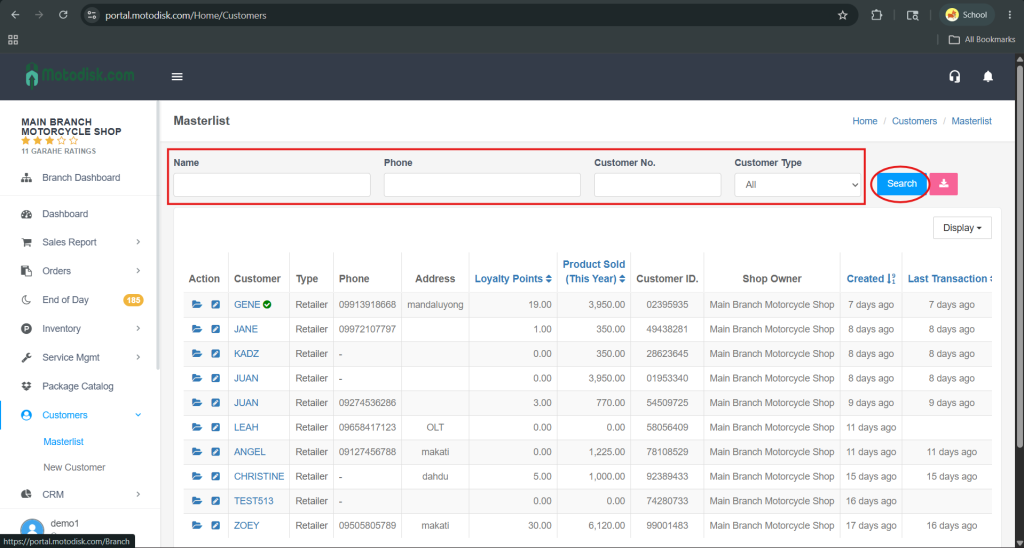
3. Enter the customer’s name, phone number, or customer number, then click the Search button to find a specific customer.
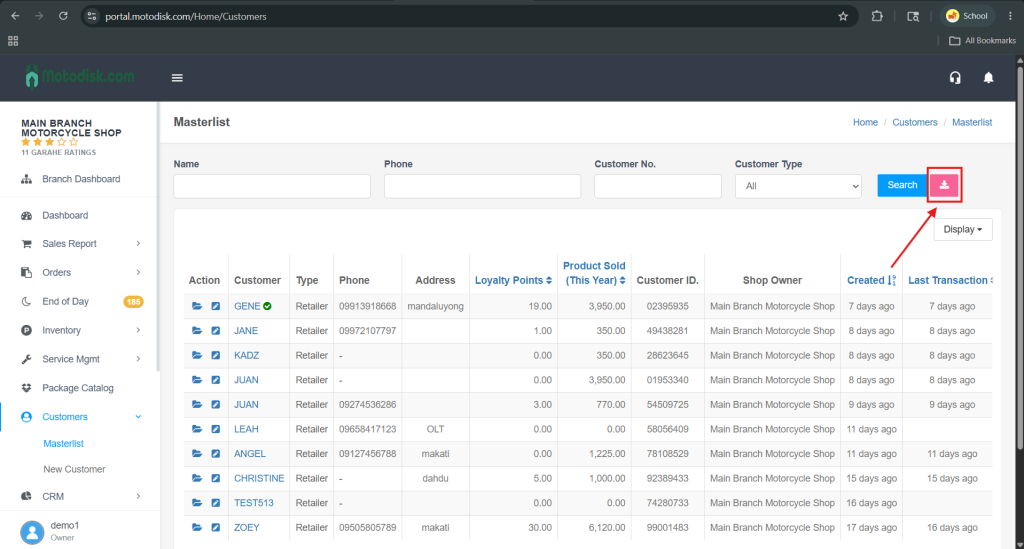
You can also export all customer records to Excel by clicking the red button located on the right side of the Search button.