
- Go to https://portal.motodisk.com and log in.
- In the side bar, select Service Management> Appointments > Create New Appointment
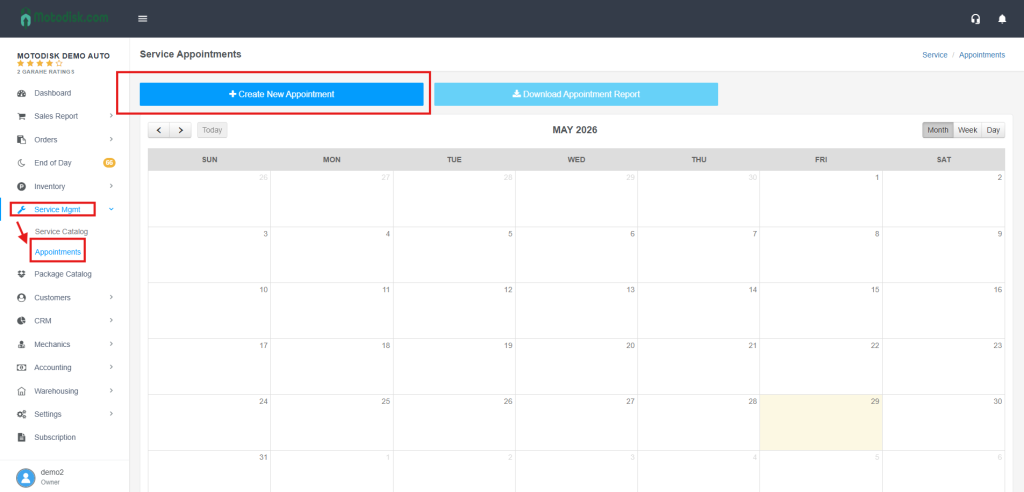
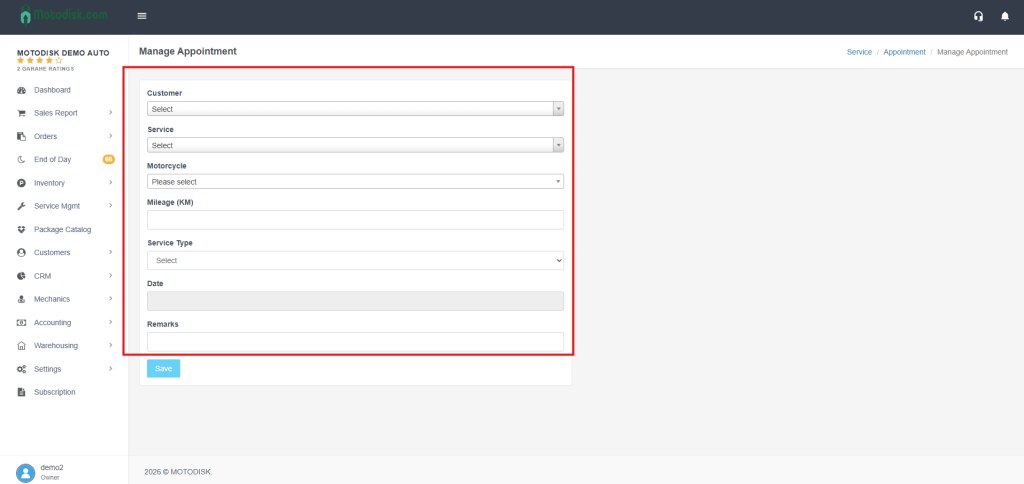
3. Fill in the needed information for the appointment .
*Type and select the the customer’s name.
* type and select the services that the customer want.
Type and select your vehicle type.
* Input the Mileage (KM) of your vehicle.
*Select the service type for the vehicle, you can choose:
(i) regular- if its a regular service type.
(ii) backjob – if it’s returned because it was made incorrectly.
9. Click the inbox and choose the date and time for the appointment.
10. Add some remarks for concerns and comments.
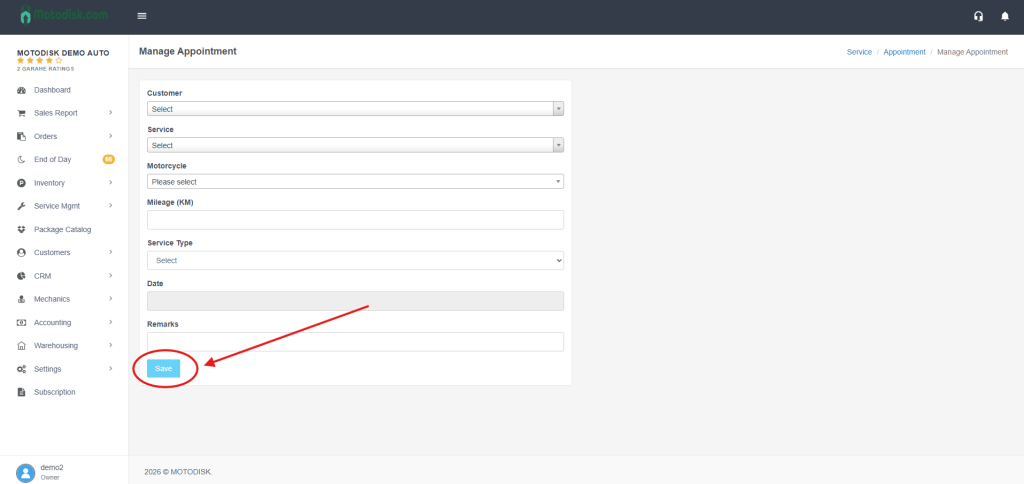
11. After filling all the information click Save to make an appointment.
After saving your appointment, you can see it in the calendar.