Step 1: Go to https://portal.motodisk.com
Step 2: Enter your credentials to log in.
Step 3: From the sidebar, go to Accounting> Cash Balances
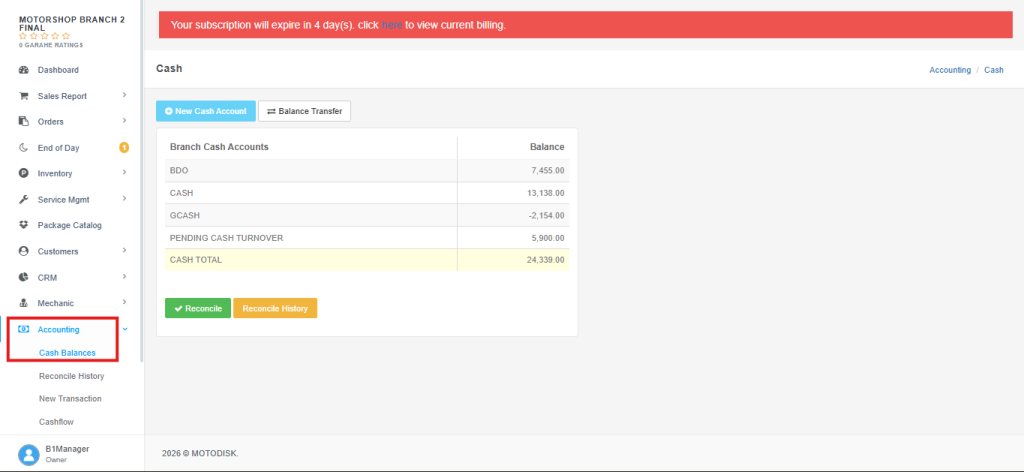
Step 4: Click Reconcile.
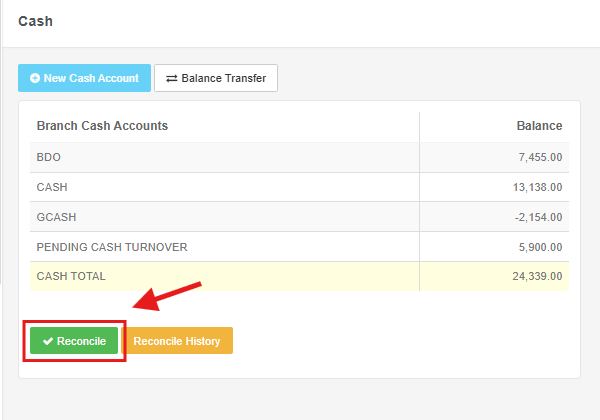
Reconcile – means checking that your system’s recorded balance matches your actual cash or bank balance, and correcting any differences found.
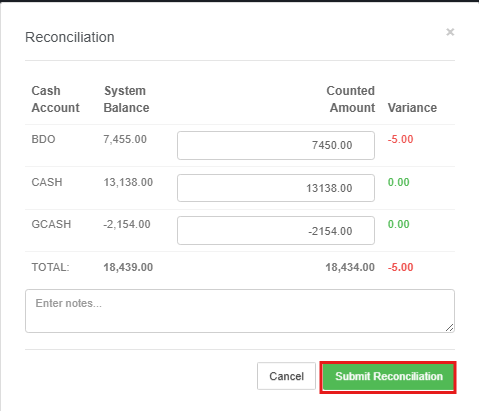
Step 5: Compare your system balance against the actual counted amount and confirm they match then, click Submit Reconciliation.