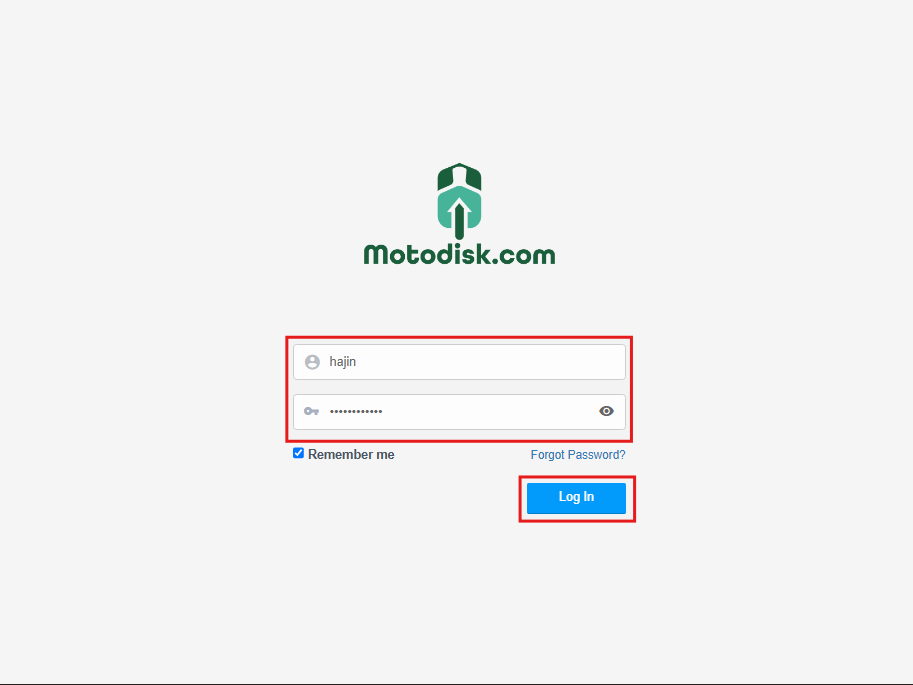
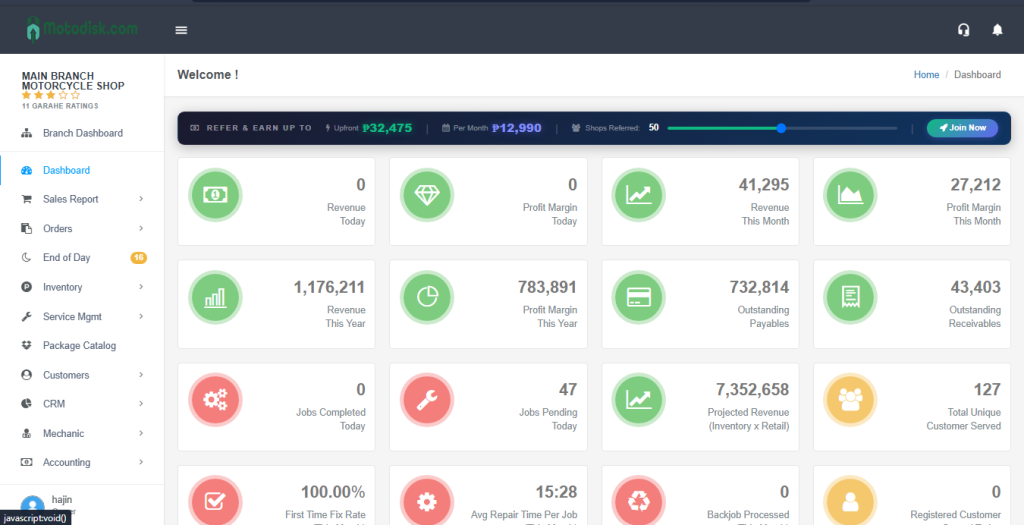
Step 1: Go to https://portal.motodisk.com
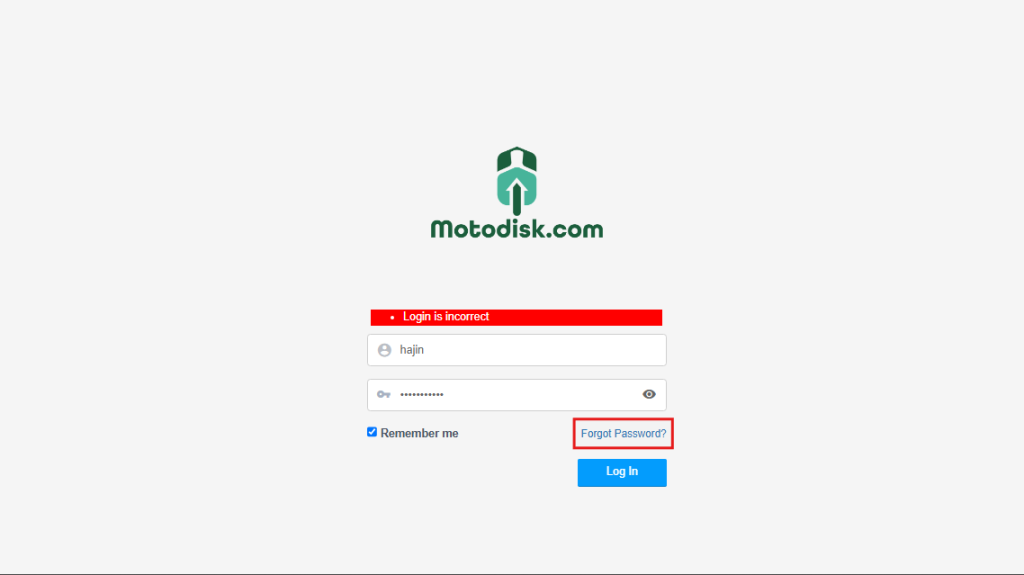
Step 2: Click “Forgot Password?“
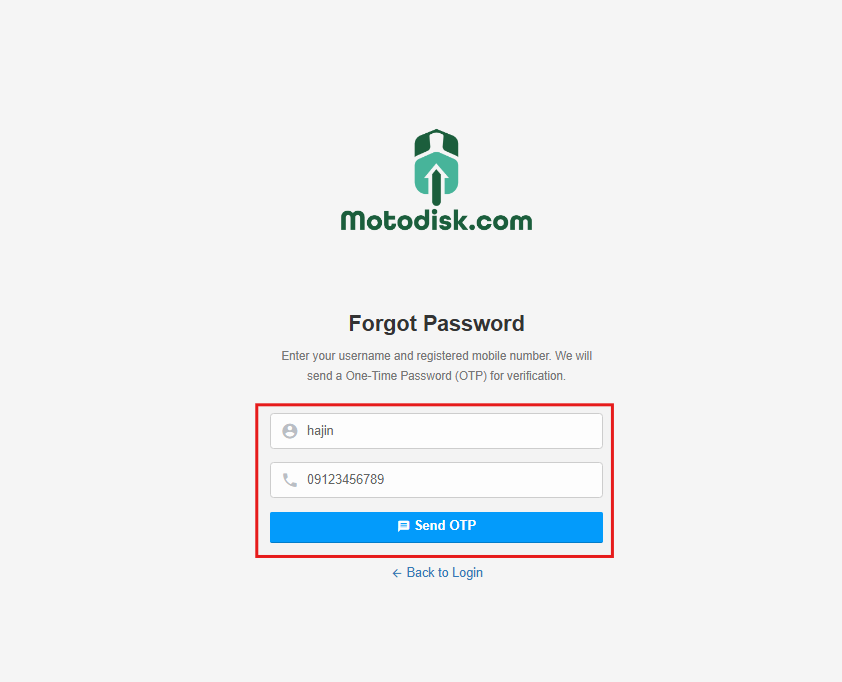
Step 3: Enter your Username and Registered Mobile Number then, click Send OTP.
Step 4: Enter the 6-digit OTP sent to your mobile number, then click Verify.
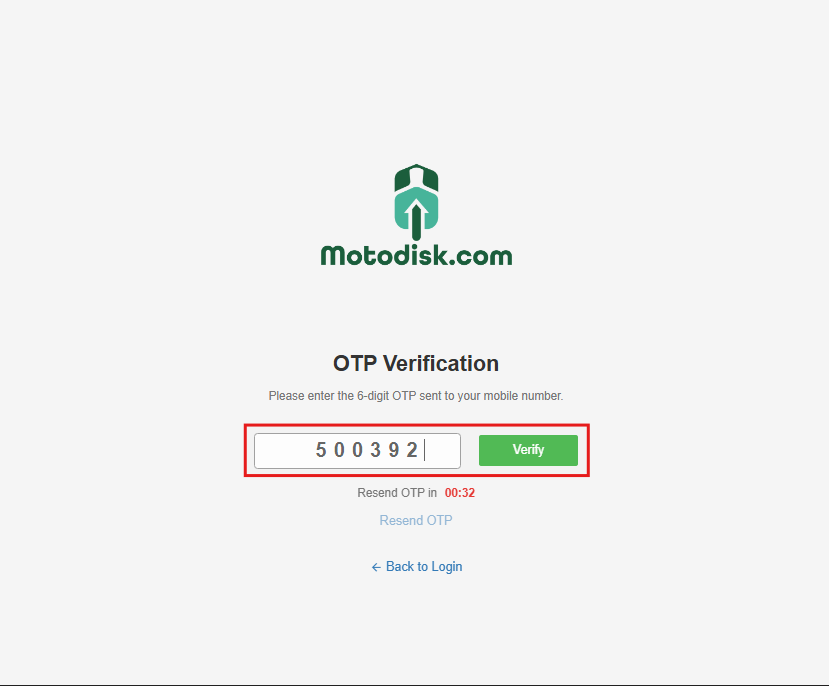
NOTE!: If you did not receive the 6-digit OTP, click Resend OTP to request a new one. The Resend OTP button will be disabled until the timer expires.
Step 5: After clicking Verify, create your new password and confirm it, then click Reset Password.
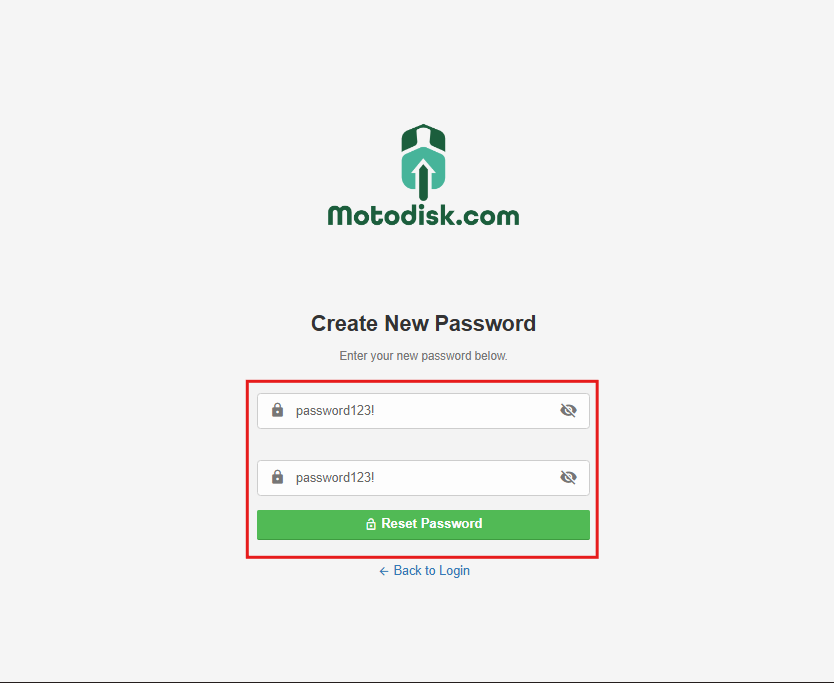
NOTE!: Password must be at least 8 characters long and include at least one letter, one number, and one special character.
Step 6:After the password is successfully reset, you will be redirected to https://portal.motodisk.com to sign in with your new password and click Login.