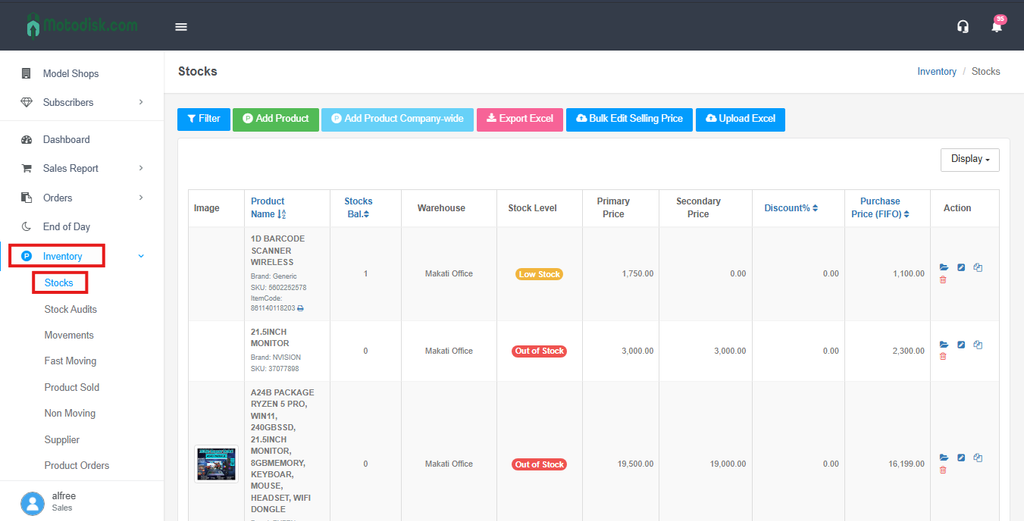
Step 1: Click Inventory (on the left sidebar) and select Stocks.
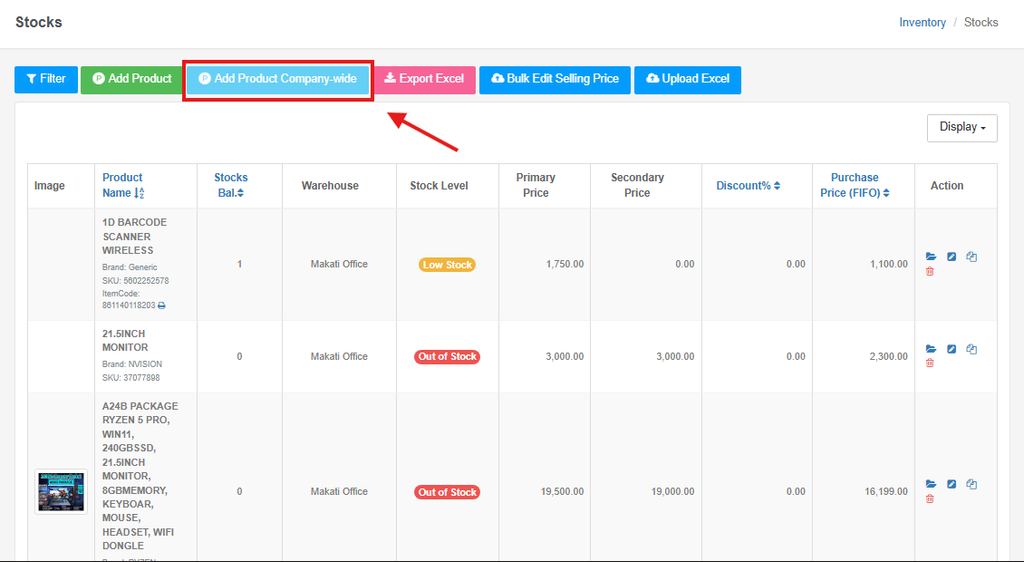
Step 2: Click the light blue Add Product Company-wide button at the top of the page.
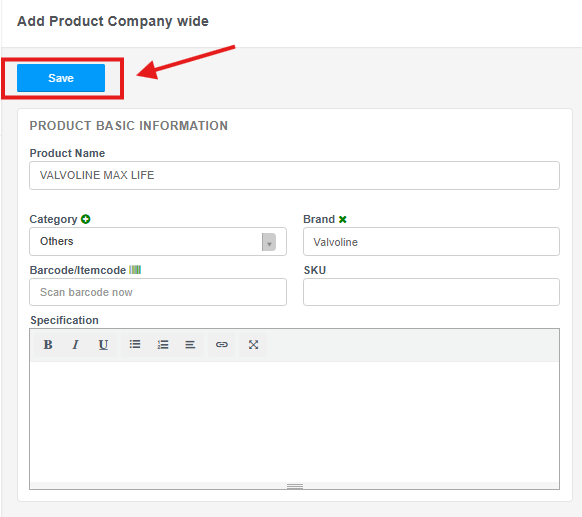
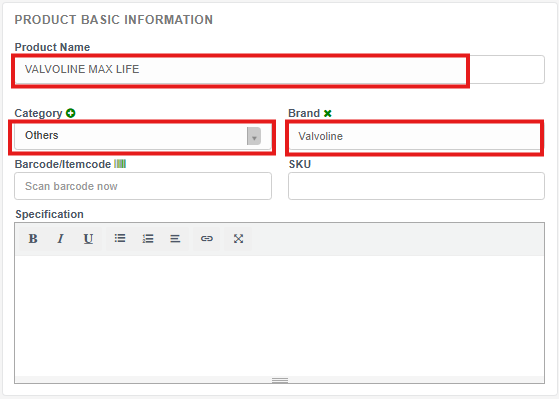
Step 3: Fill in the Product Basic Information (like Name, Category, and Brand)
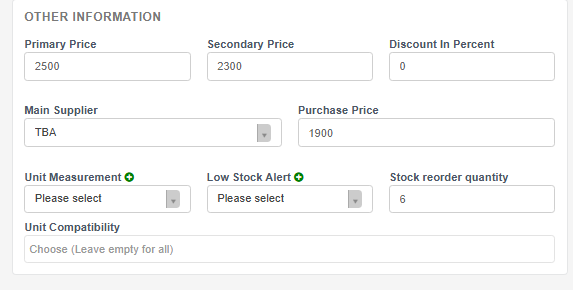
Step 4:Fill in the Other Information (like Primary and Secondary Price, Supplier, Purchase Price, Unit Measurement and Low Stock Alert) and click Save.