
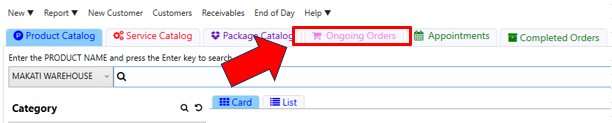
Step 1: Click Ongoing Orders (the pink tab at the top of the Sales Register).
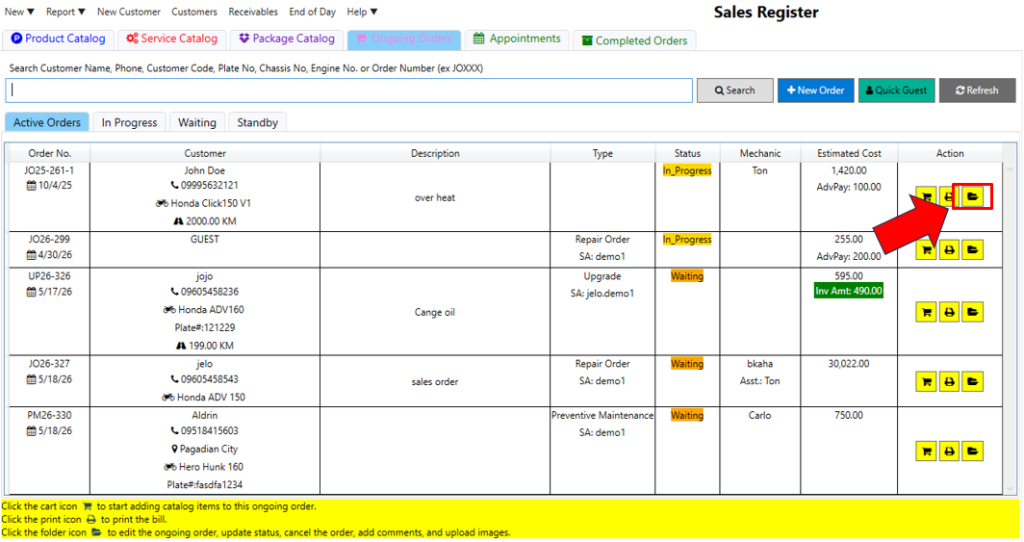
Step 2: Click the folder icon next to the specific order you want to update.
Step 3: Select the new Status from the dropdown menu and click Save.
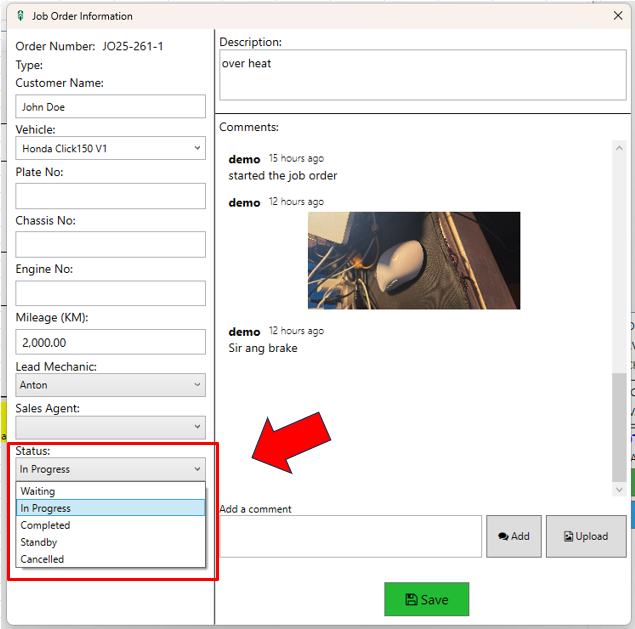
Quick Tip: Using the folder icon allows you to do more than just change the status—you can also add comments or upload images to the job order.
Video: Update Order Status