
Full Payment
Step 1: Go to Receivables, select the receivable, then click Payment.
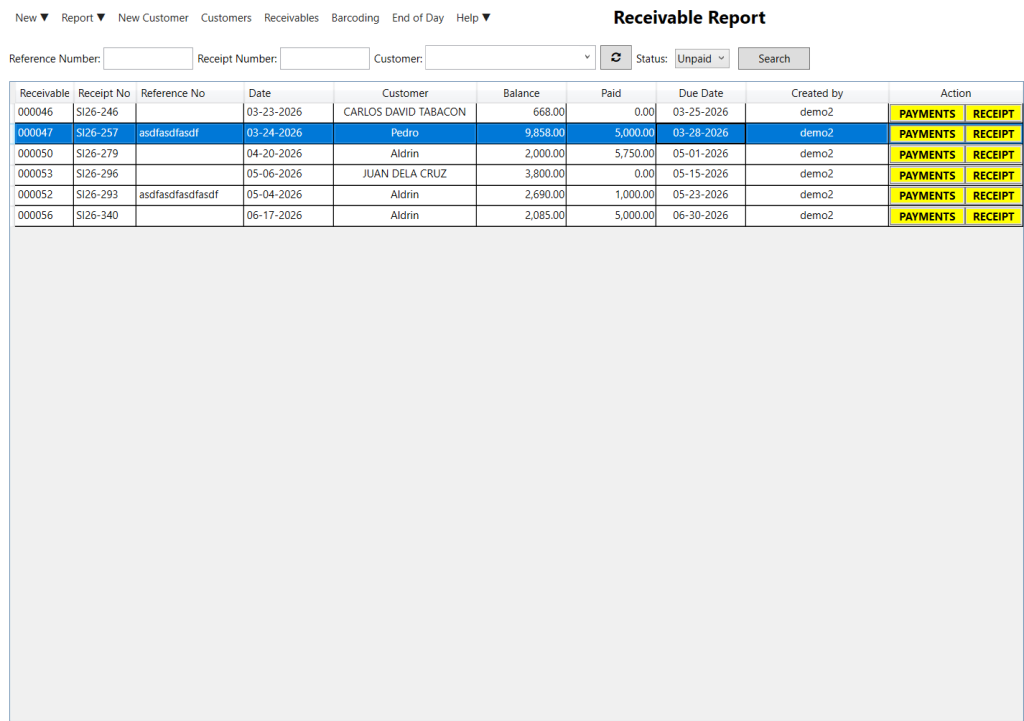
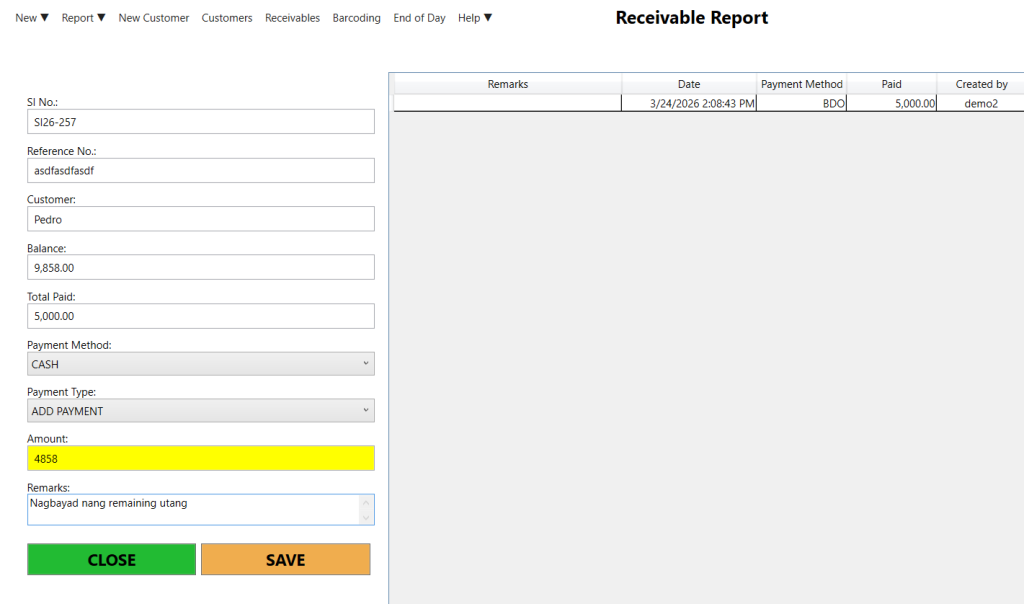
Step 2: Select the Payment Method and choose a Payment Type:
- Add – Records an advance payment.
- Deduct – Deducts or reverses an advance payment.
Step 3: Enter the payment amount, then click Save.
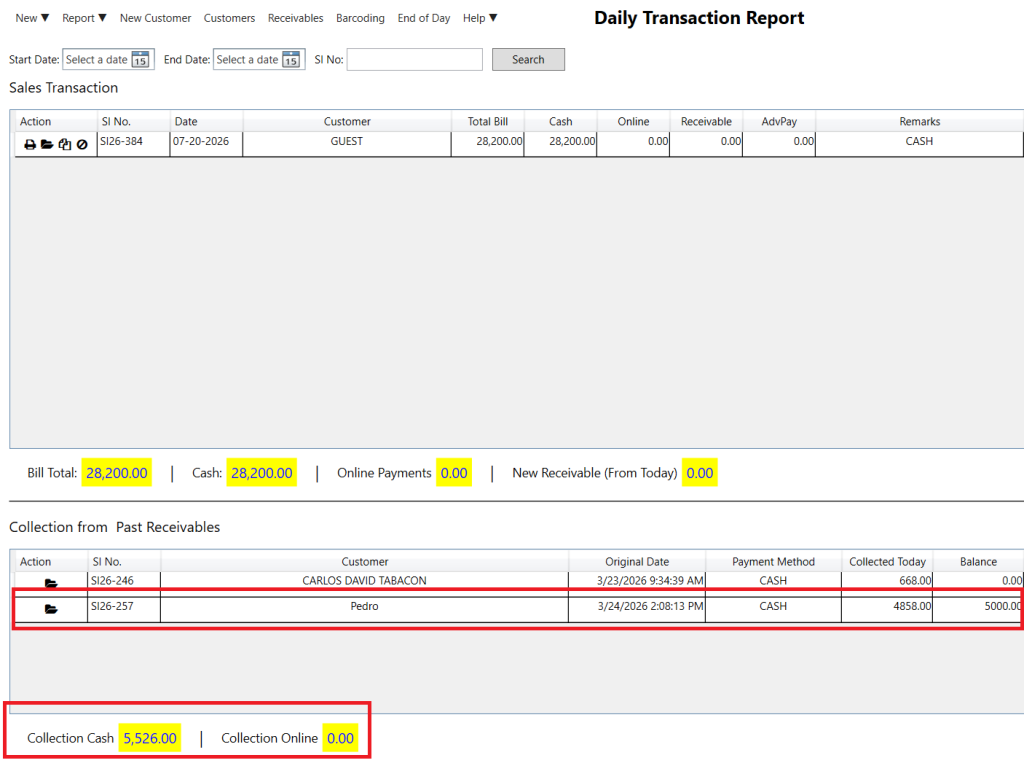
Step 3: Check the collection in the Daily Transaction Report. It will be displayed in the Collection from Receivables section.
Note: It will be removed from the Receivables list when the customer pays the full amount.