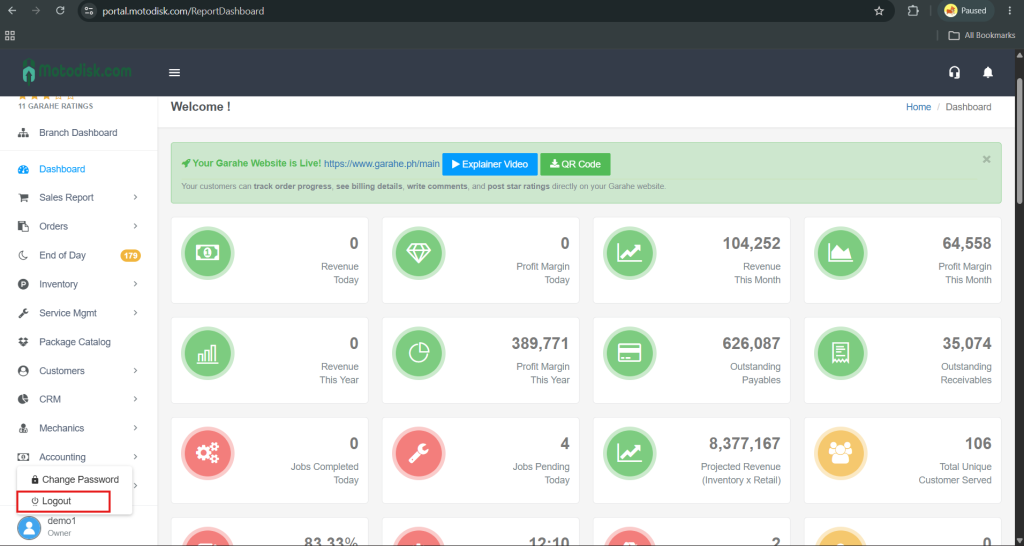
Step 1: Go to the Portal, Open your browser and visit https://portal.motodisk.com.
Step 2: Log In and Enter the temporary username and password that was sent to you via WhatsApp or Email.
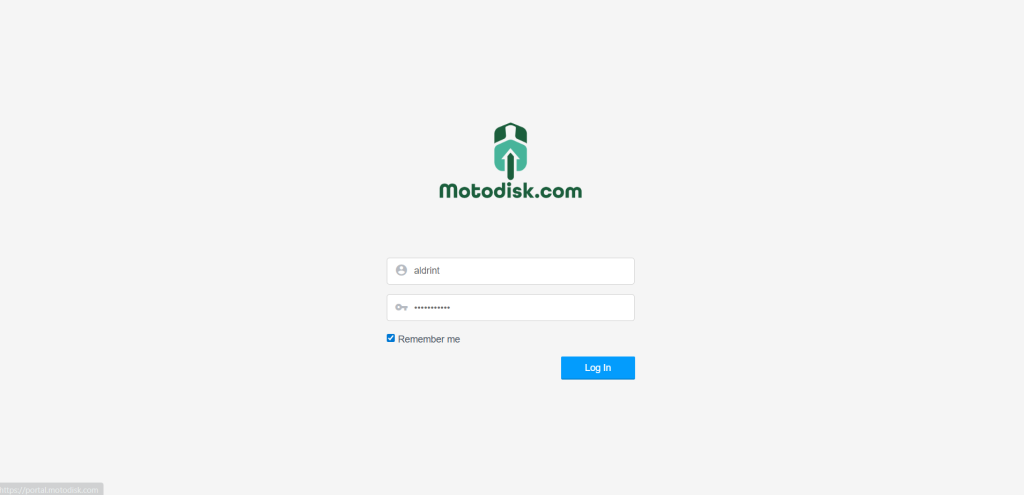
Step 3: Change Your Password
Once you’re logged in, go to Settings.
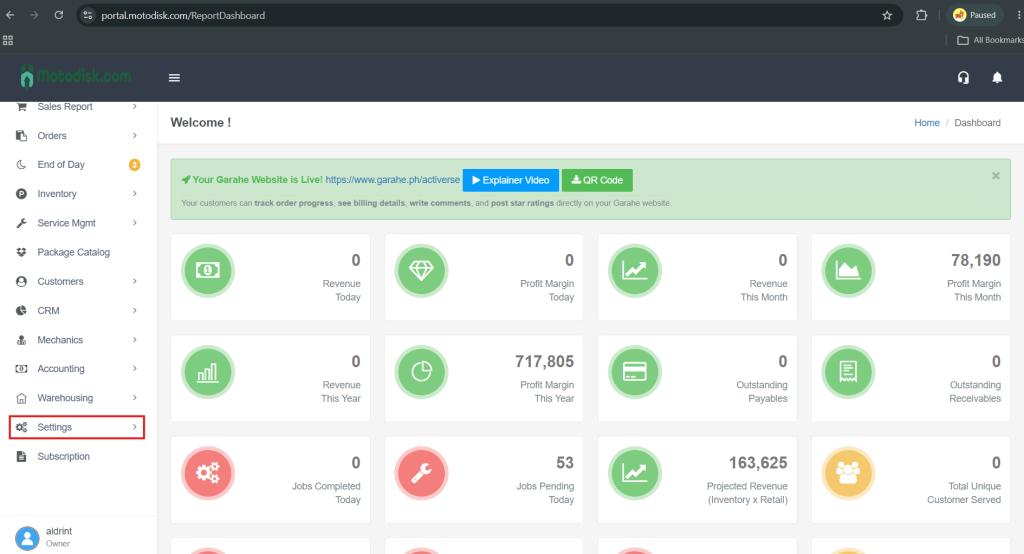
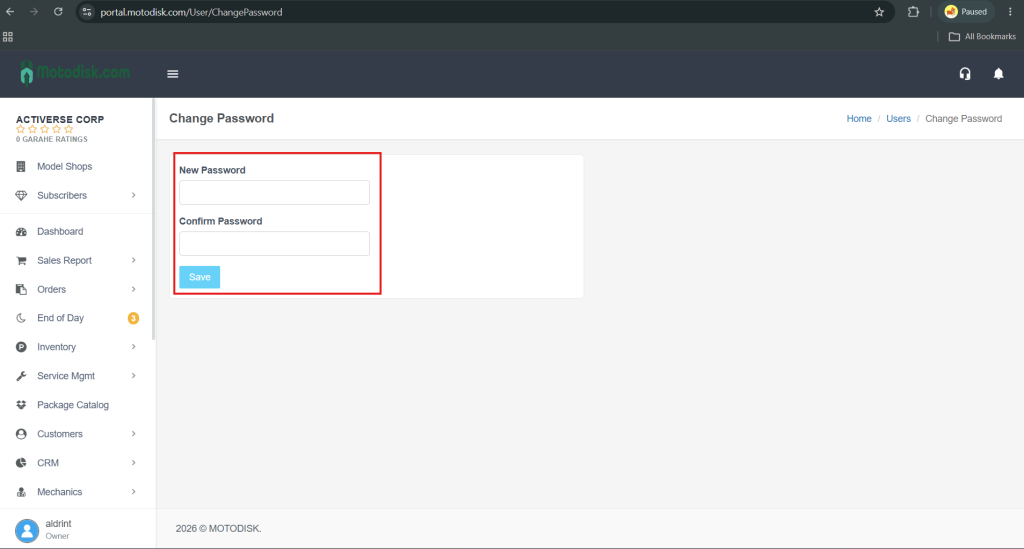
Click Change Password.
Enter your new password and click Save.
Step 4: Re-Login
Log out, then log back in using your new password.