
- Go to https://portal.motodisk.com and log in
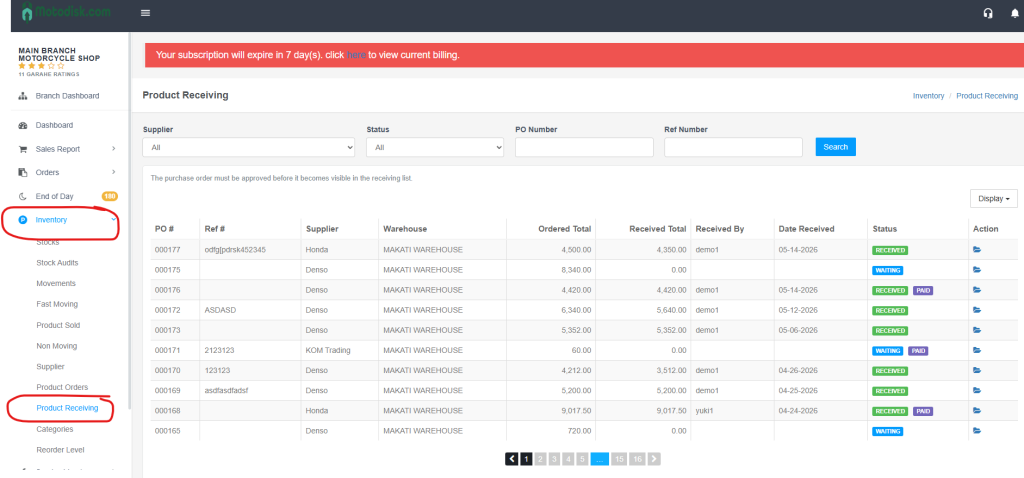
- In the side bar, select Inventory > Product Receiving
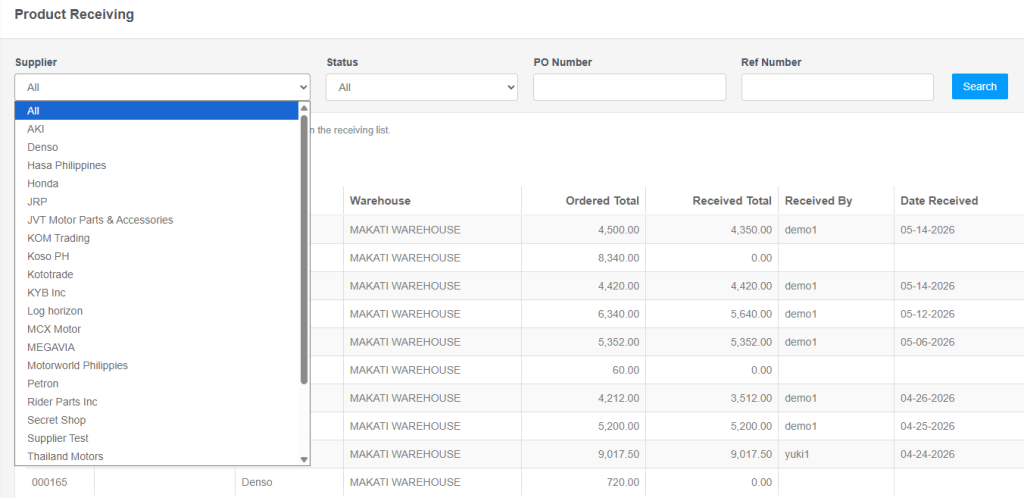
3. Select a Supplier
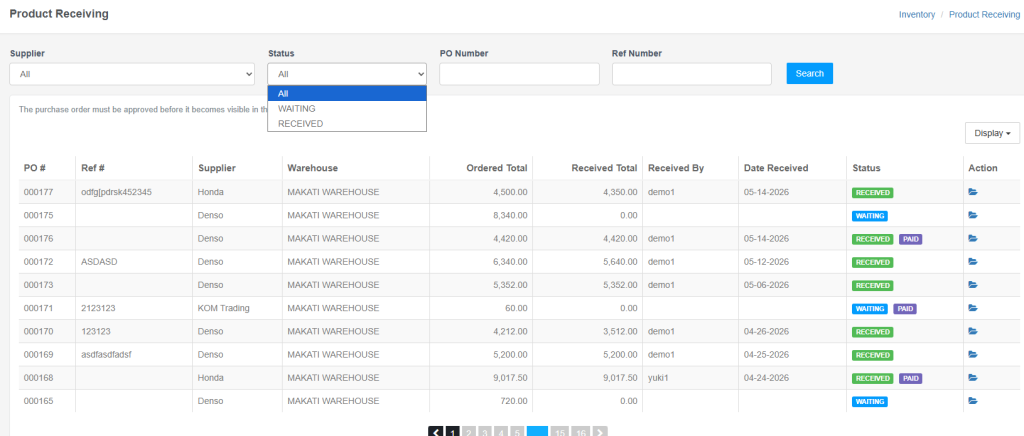
4. Select a status: Waiting, Receiving, or All
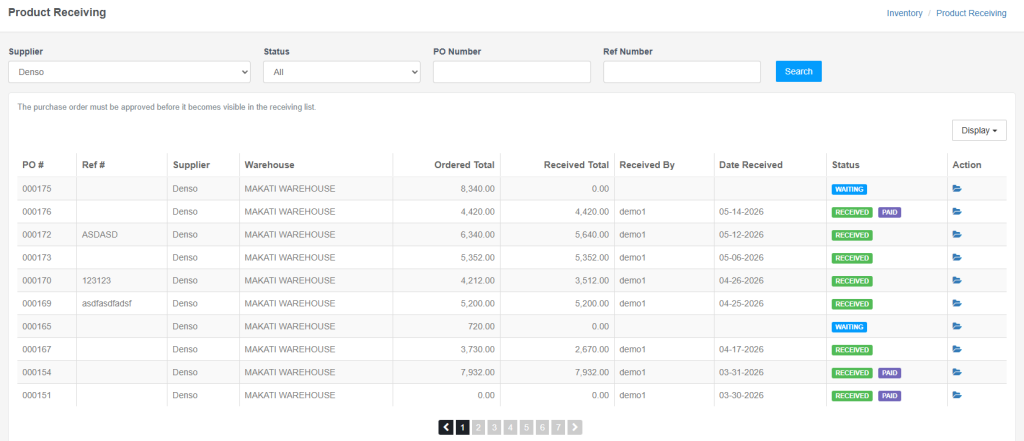
5. Enter the PO number, then click the Search button to display the results.
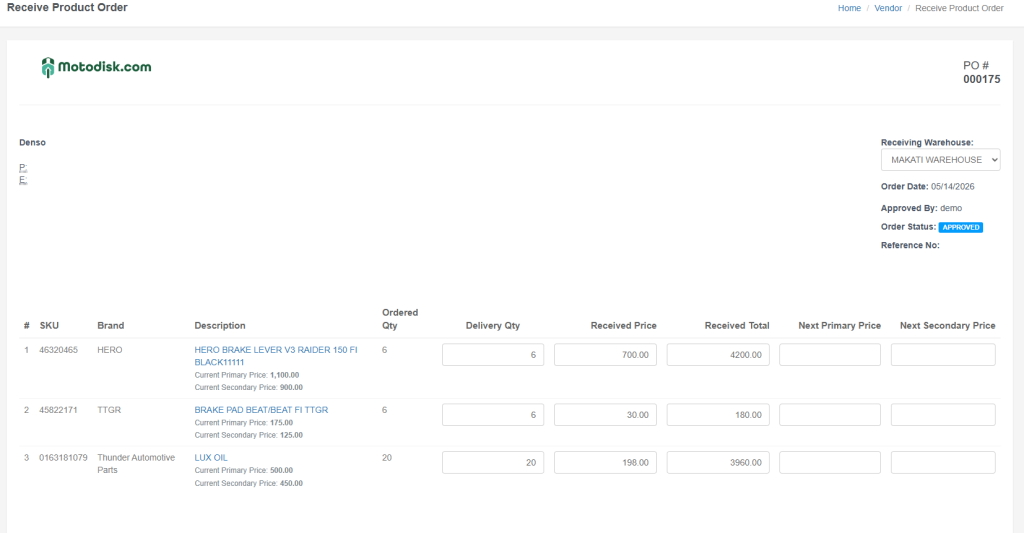
This is the result
You can also view it by clicking the folder icon on the right.
This is the result
Here’s the video guide