
- Go to https://portal.motodisk.com and log in.
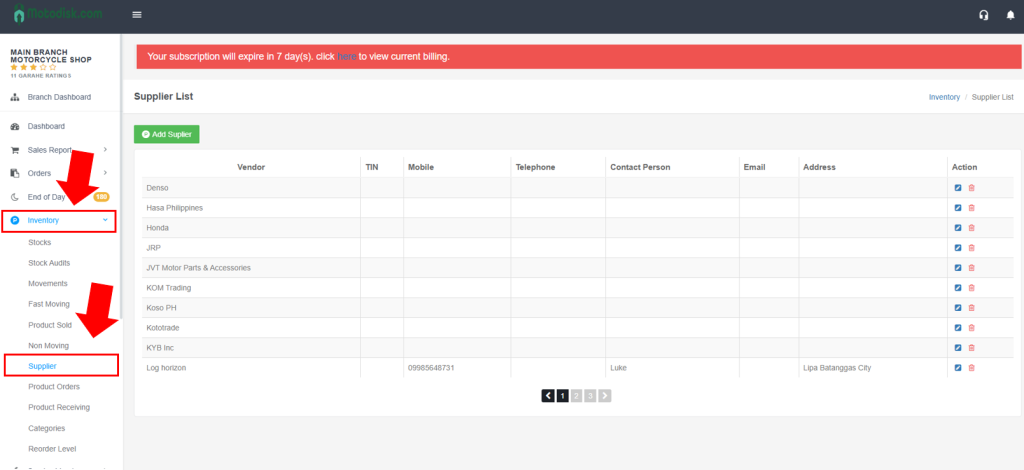
- In the sidebar, click Inventory > Supplier.
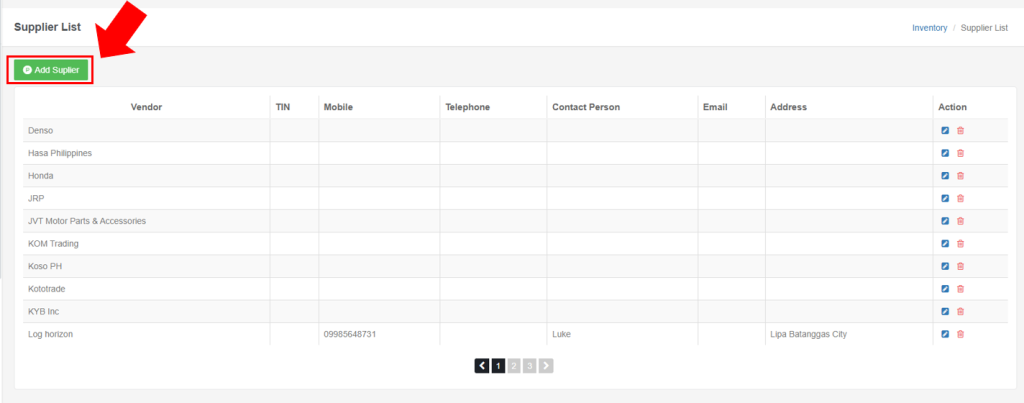
3. Click Add Supplier Button.
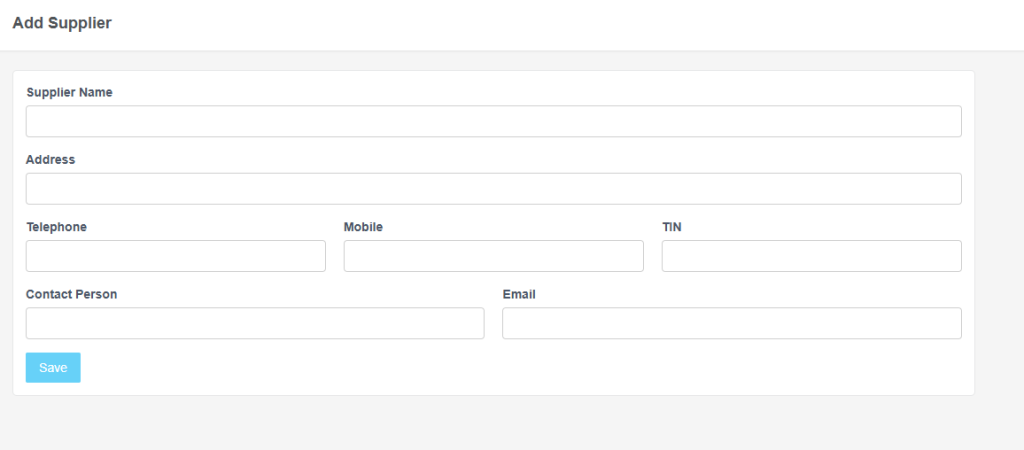
4. Fill up the needed information in the inboxes and click save
5. After Saving, a Notification will pop up indicating that you successfully added a supplier.
6. Here’s the video guide.