
- Go to https://portal.motodisk.com and log in
- In the side bar, select Inventory > Categories
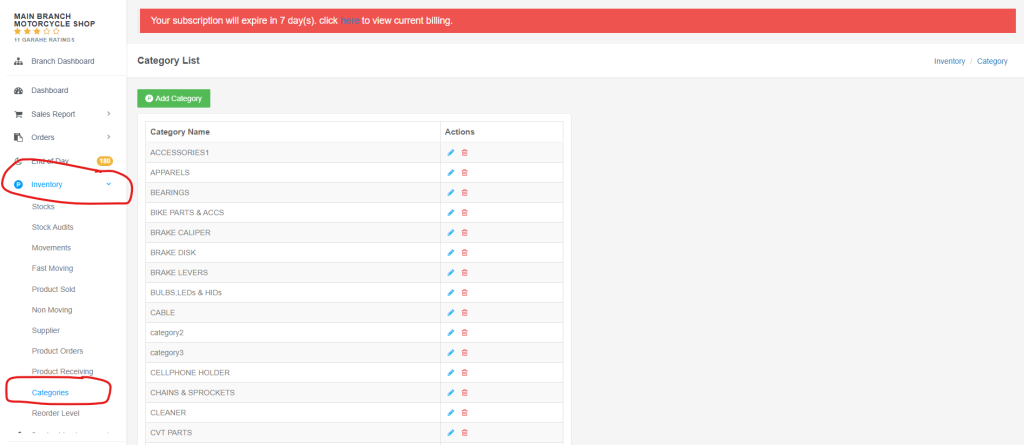
3. First, Click the “Add Cateogry” and enter the category name
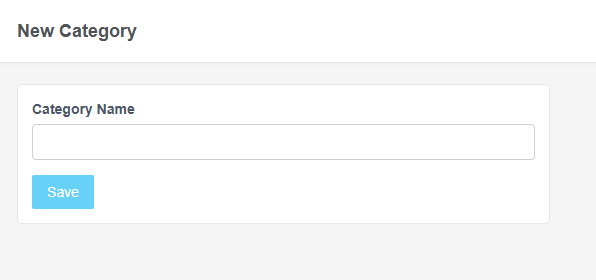
4. Then click the Save button to save
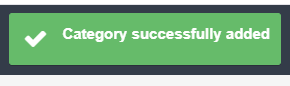
After clicking the Save button, it will be displayed here
How to Edit Category Name
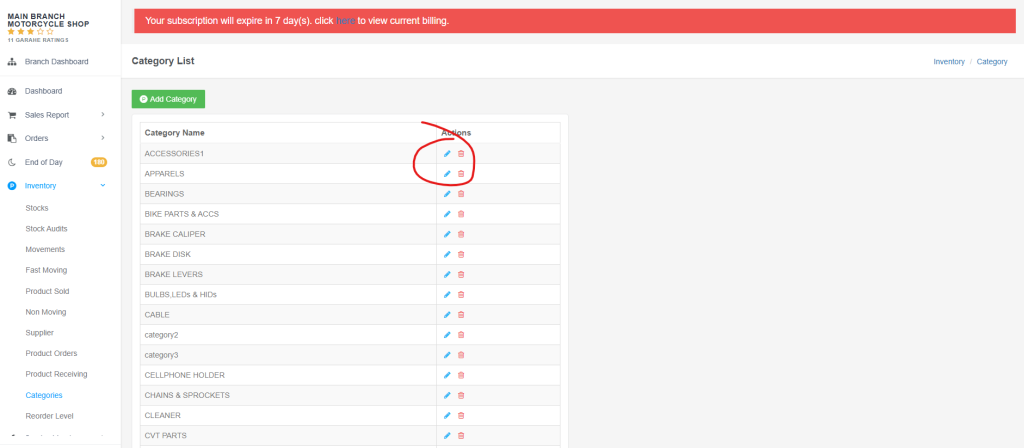
- Click the pencil icon to edit it
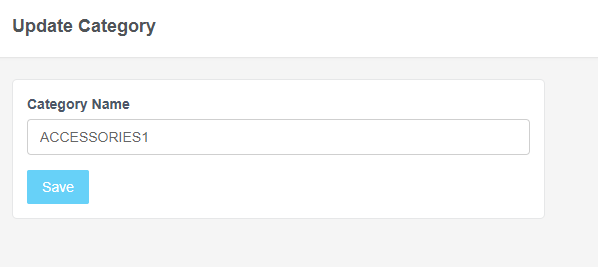
2. Edit the Category Name, then click the Save button to update it.

Here’s the video guide on how to Add and Edit Category