- Go to https://portal.motodisk.com and log in
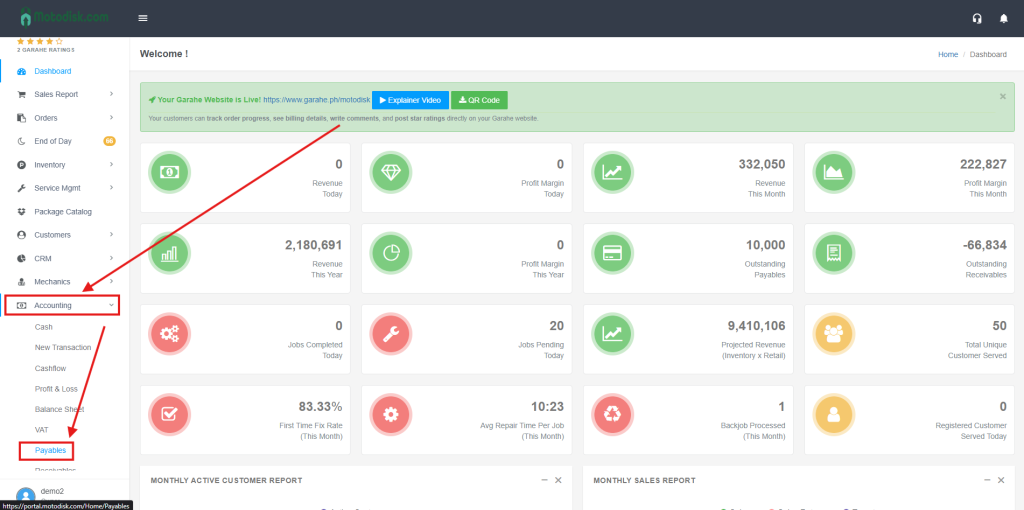
- In the side bar, select Accounting > Payables
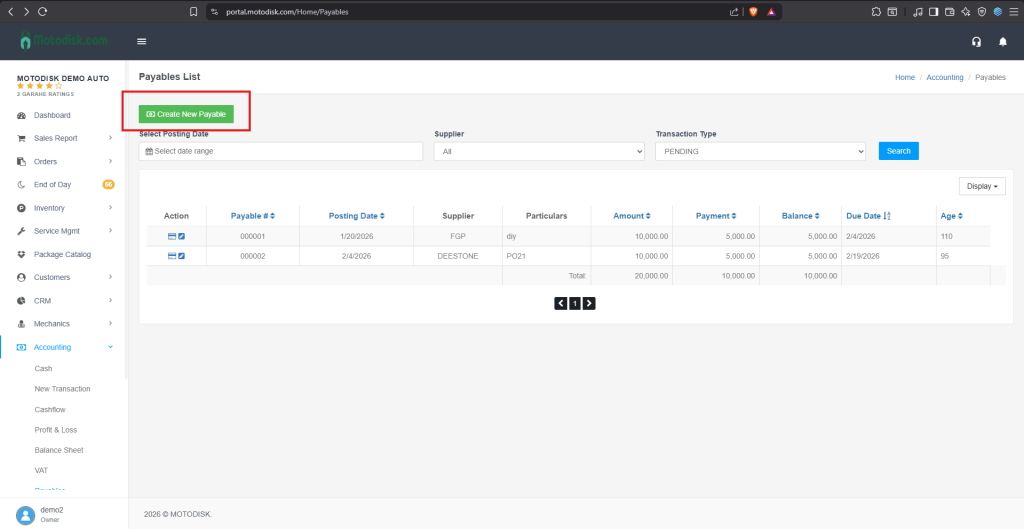
3. Click the Create New Payable
4. Enter first the Description
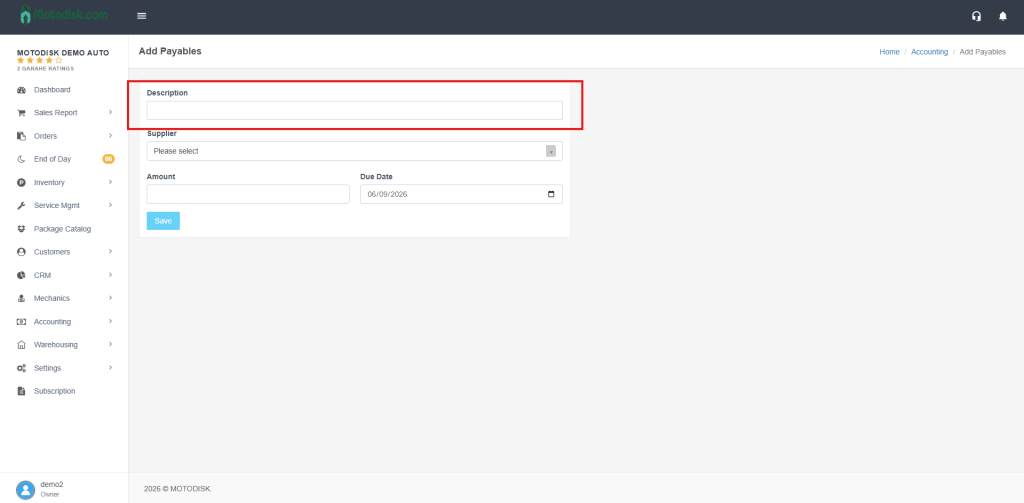
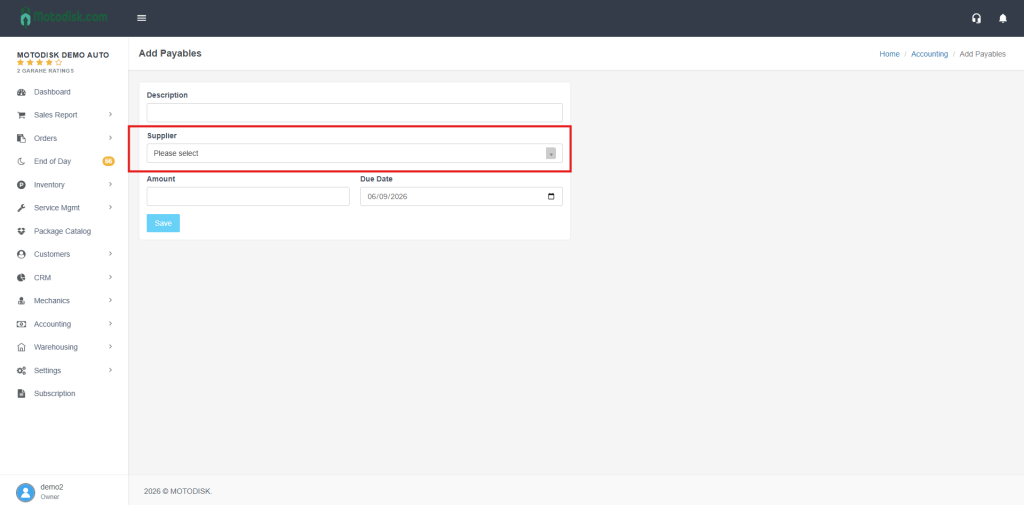
5. Select a Supplier
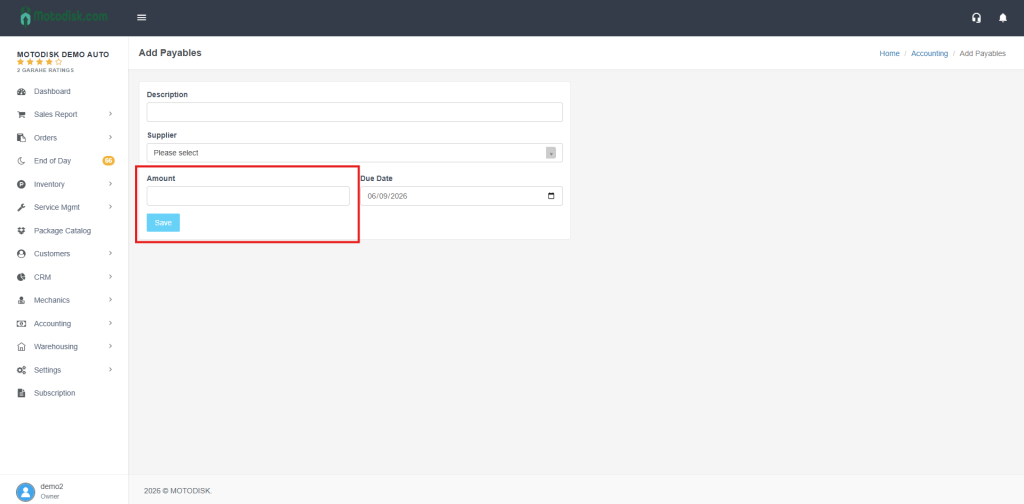
6. Enter the amount and due date of the payables.
7. Then click the Save button after filling out everything to display the data.
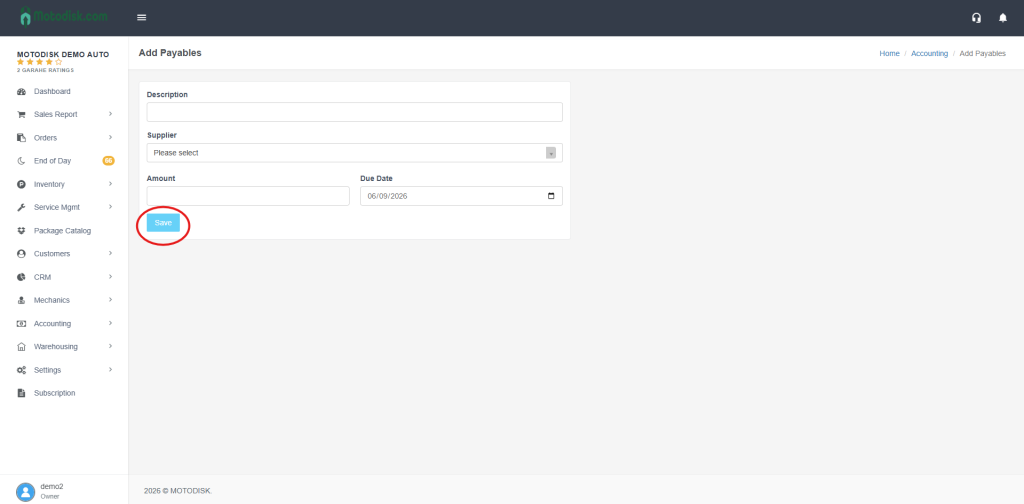
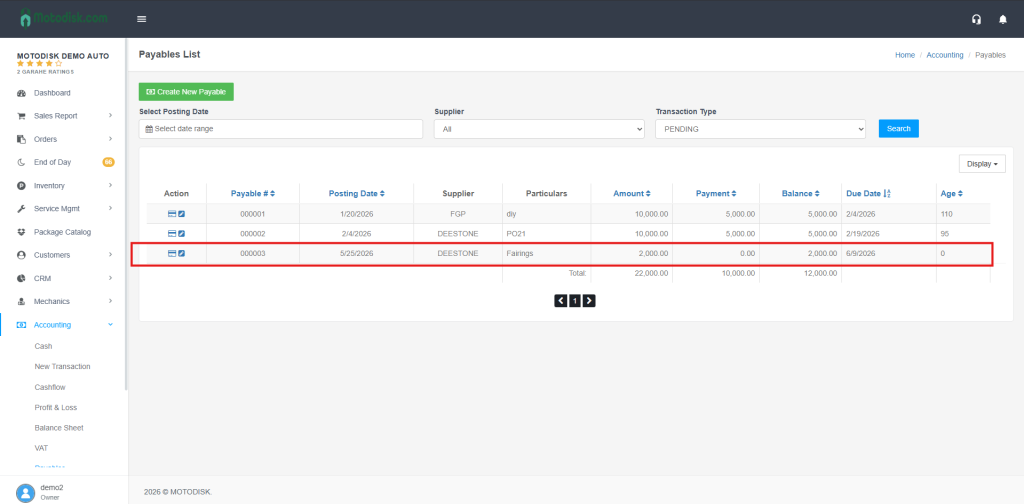
The new payable you added will appear at the bottom.