
- Go to https://portal.motodisk.com and log in
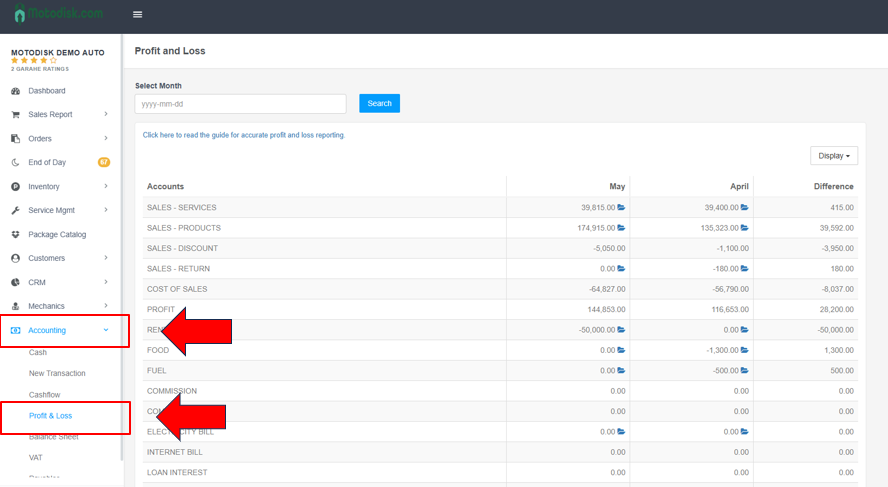
- In the side bar, select Accounting > Profit and Loss
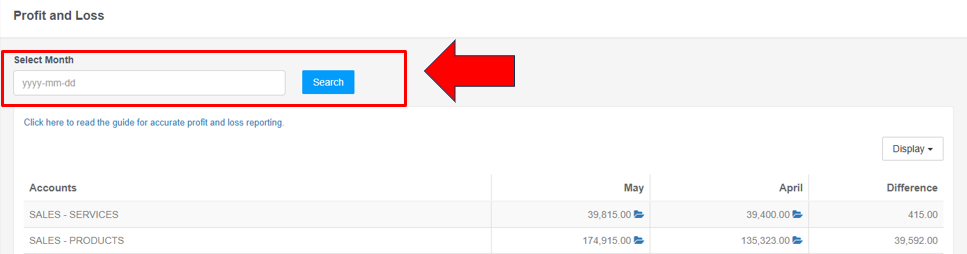
3. Select a month, then click the Search button to view all results for that month
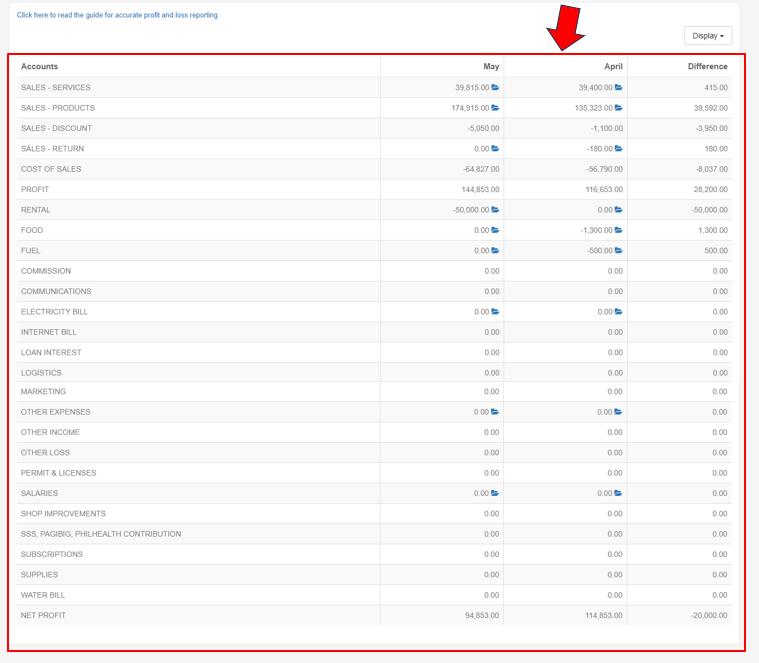
Profit and Loss (P&L) — sometimes called an Income Statement — is a financial report that shows whether a business made money or lost money over a specific period, by comparing total income (revenue) against total expenses.